
In this article
In this article
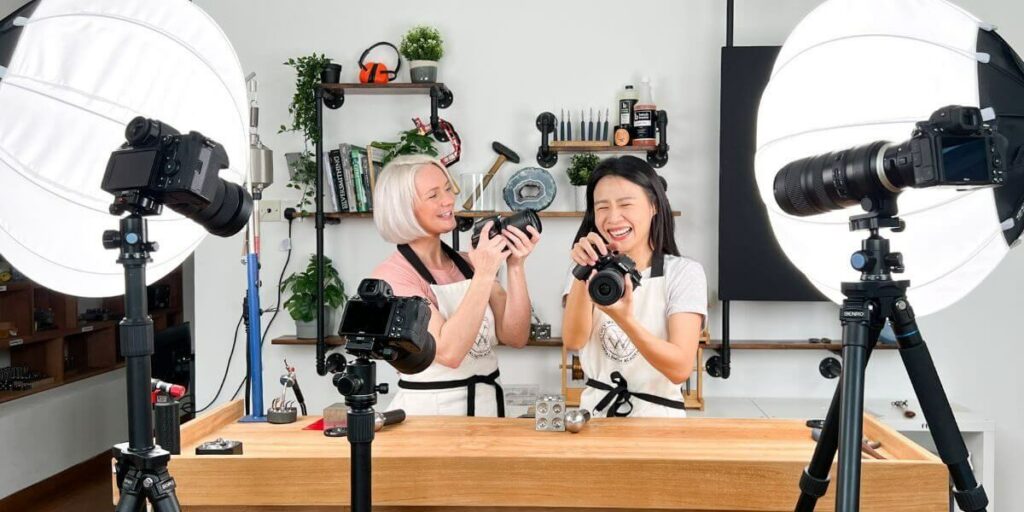
So what kind of equipment does it take to make our online classes?
Well, this is the subject I'm emailed about almost weekly, and I'm always happy to share. So, I figured I'd save myself a little time and just write a blog post! I want to make one thing clear though, before starting filming our online classes, I had zero videography experience (or photography for that matter). So, there is every chance I could be talking out of my arse at some points here! I will avoid talking about the specs of cameras - because quite honestly, I'll end up sounding like a moron. You can however click on the buttons to see for yourself.
What is listed here is after a massive upgrade to our filming gear just over two years ago, and it's everything we use on a day to day basis. I'd say I'm 80% happy with what we use right now, but there's always room for new tools right!?
Unfortunately, as we're based in Malaysia, we don't have access to photography superstores where we get to try before we buy. We have had to make the best decisions we can without having ever tried the equipment - and I can't say we haven't made a lot of mistakes!
We're set up for speed and efficiency, so for sure you certainly don't need to spend 1/4 what we have. But I hope this blog post will at least help you avoid some of our mistakes and spending as much as we have unnecessarily (which was unfortunately a shit tonne).
Please bear in mind that we have to purchase most of our gear in Malaysia, under the guidance of a videographer here. So, if you are a photography buff and notice we could be using something better, please let us know and we'll see about getting it shipped in - we are a little limited here in terms of equipment.
The prices are to the best of my knowledge accurate, but there might be a few that are a little off.
Cameras and Lenses
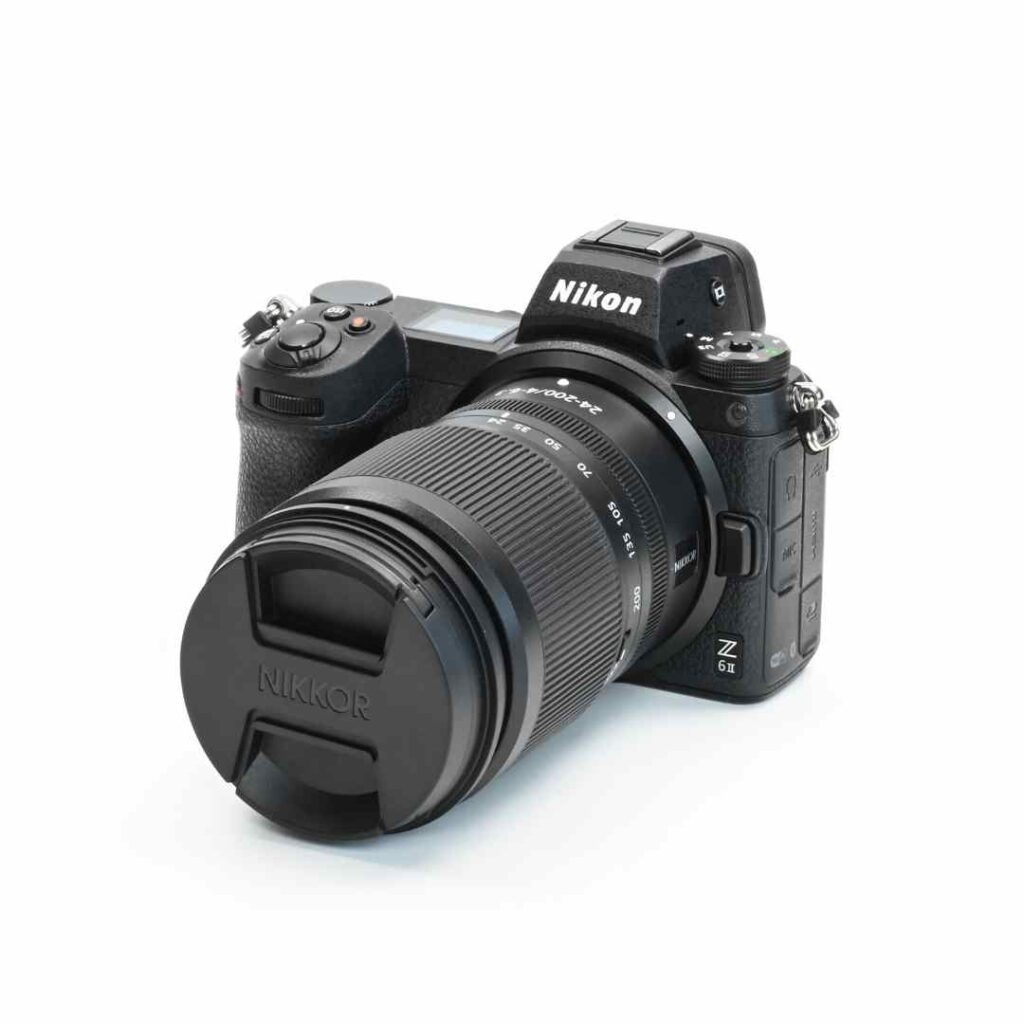
Nikon Z6 II Mirrorless Camera with 24-70mm f/4 Lens - $2600 (I have two of these)
I love this camera! I was expecting it to be considerably lighter after all the fuss about mirrorless cameras being so light (it's not, it's bloody heavy), but despite that it is my favorite of the bunch.
I have two of these with three different lenses. The first of the lenses works great for face-on filming, and the other two which I'll mention shortly are for macro shots.
I'd say battery life is about 2 -3 hours ish, so I would suggest purchasing a spare!
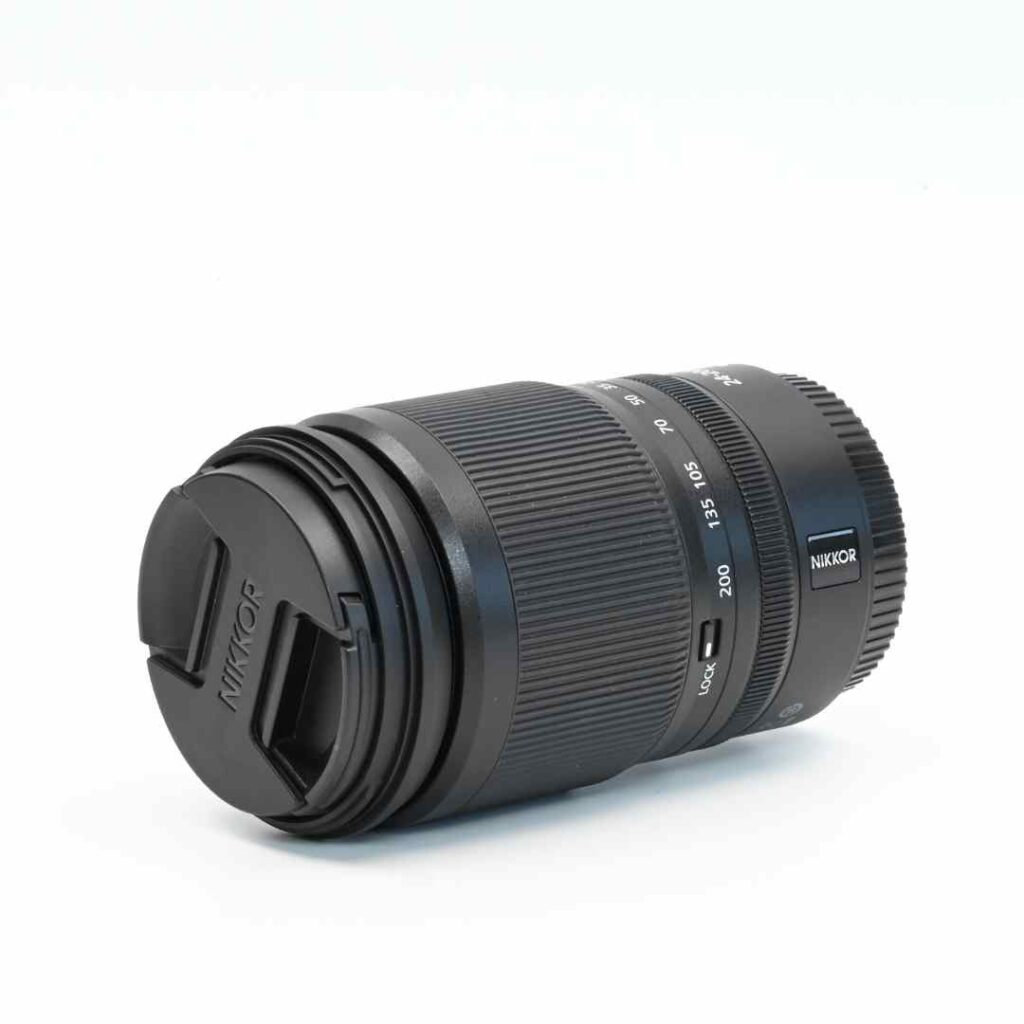
Nikon NIKKOR Z 24-200mm f/4-6.3 VR Lens - $900
My favorite lens for macro shots. It has no zoom function, so most often this is a maximum of two feet away from wherever I'm working - which can be a little awkward at times.
I film in 4k with this, which means for a standard video size I'm able to zoom in to twice the size without losing quality (as long as the camera was properly focused - which is the bane of my life).
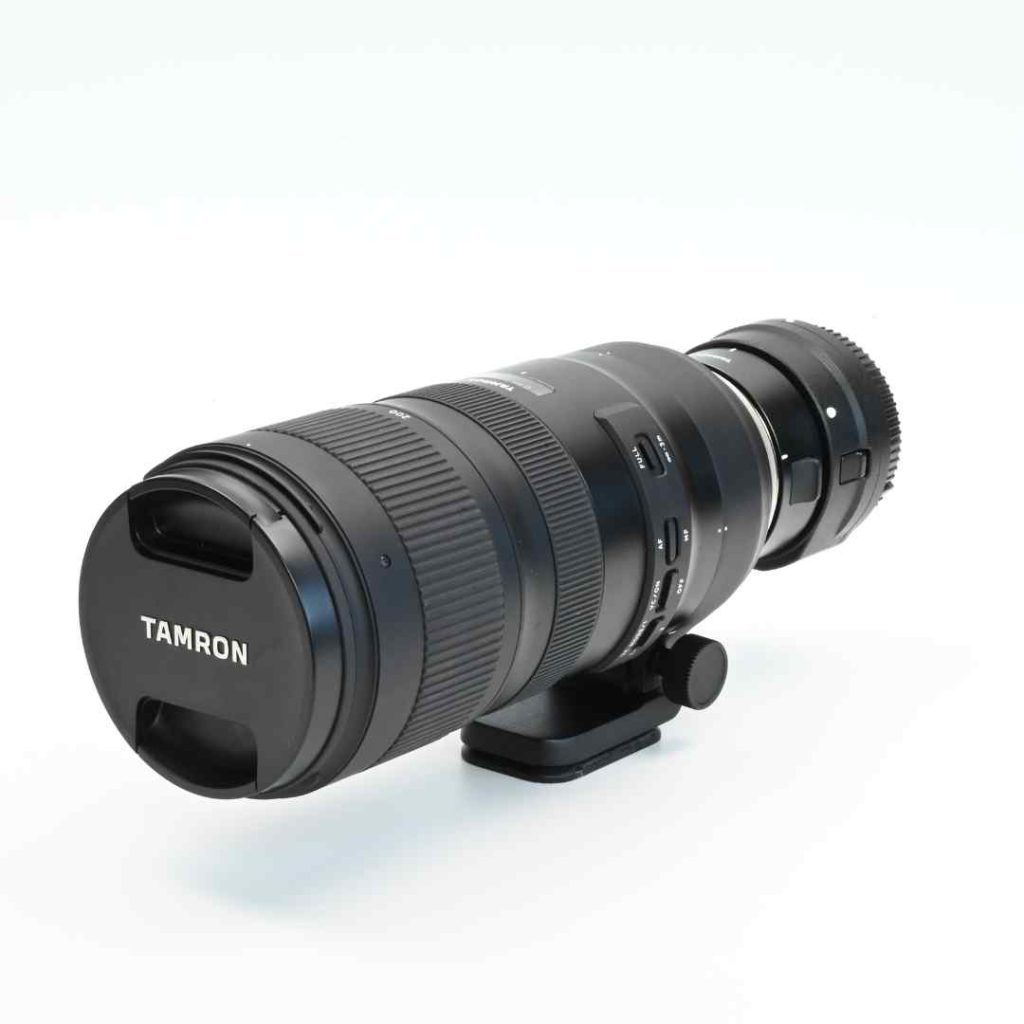
Tamron SP 70-200mm f/2.8 Di VC USD G2 Lens for Nikon F - $1300
My second lens is a Tamron. Because this is a telephoto-zoom lens, I can have this camera a little further away from where I'm working.
Personally, I love that it has a zoom function, sometimes you need to back off a little to show how you're holding the tools, and it's super easy to do with this. Although of course, that means another cut in the filming process - some things can't be avoided!
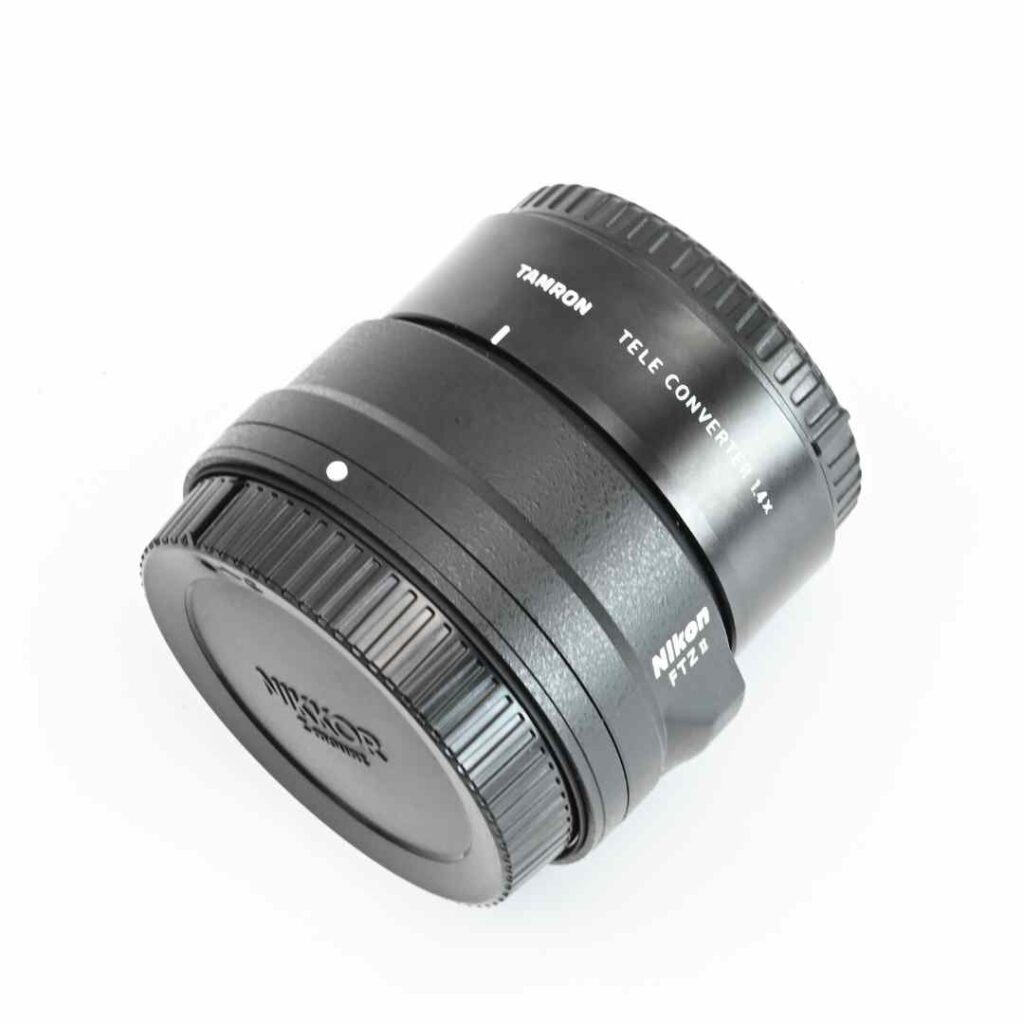
Nikon FTZ II Mount Adapter $250 and Tamron 1.4X Teleconverter (Model TC-X14) for Select Tamron Lenses in Nikon Mount - $500
Don't know much about these - other than my camera guy told me I needed them to make my Tamron lens play nicely with my Nikon Camera. Seems to work!
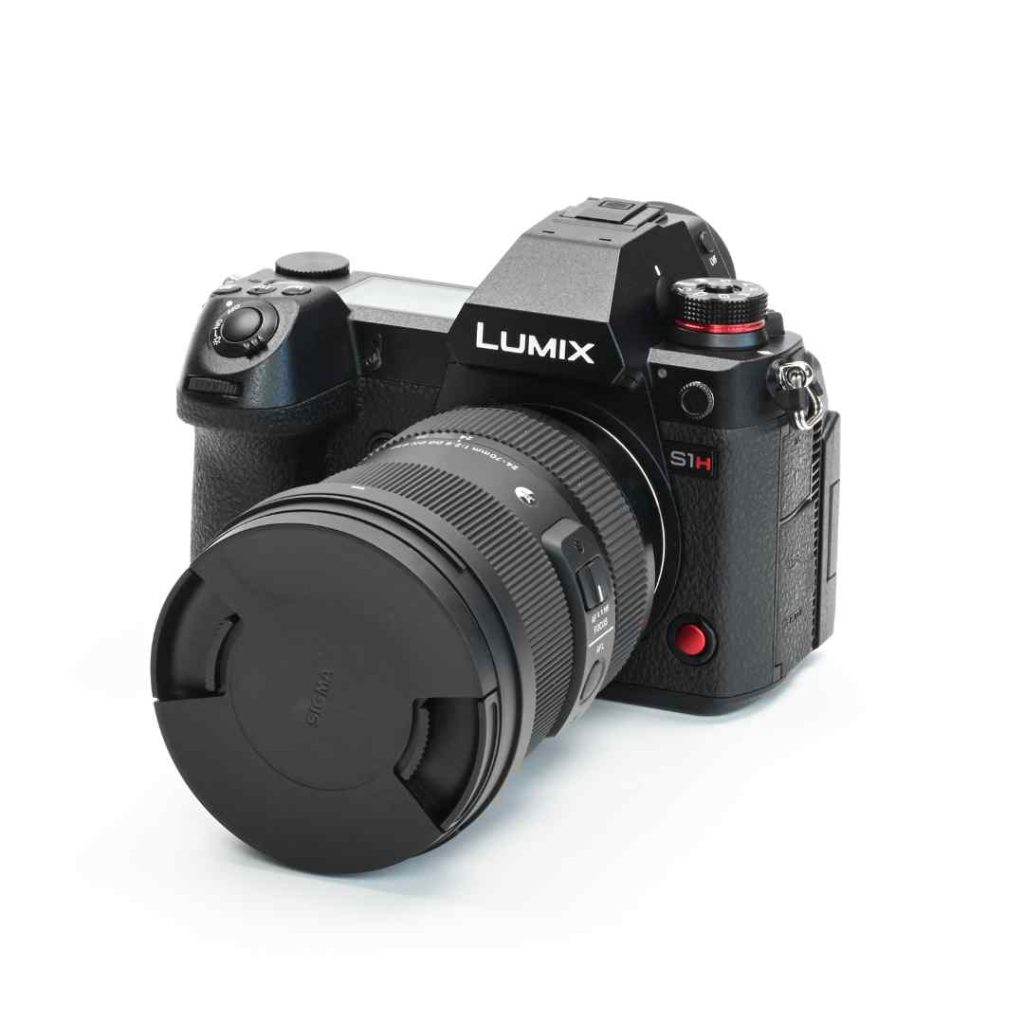
Panasonic Lumix S1H Mirrorless Camera - $3500 (without lens)
It's probably a little overkill (and overcomplicated for what we need). I'll will stick with Nikons going forwards, just to avoid any unnecessary learning curves, but it is a beautiful camera providing a huge range of shooting options for crystal-clear videography.
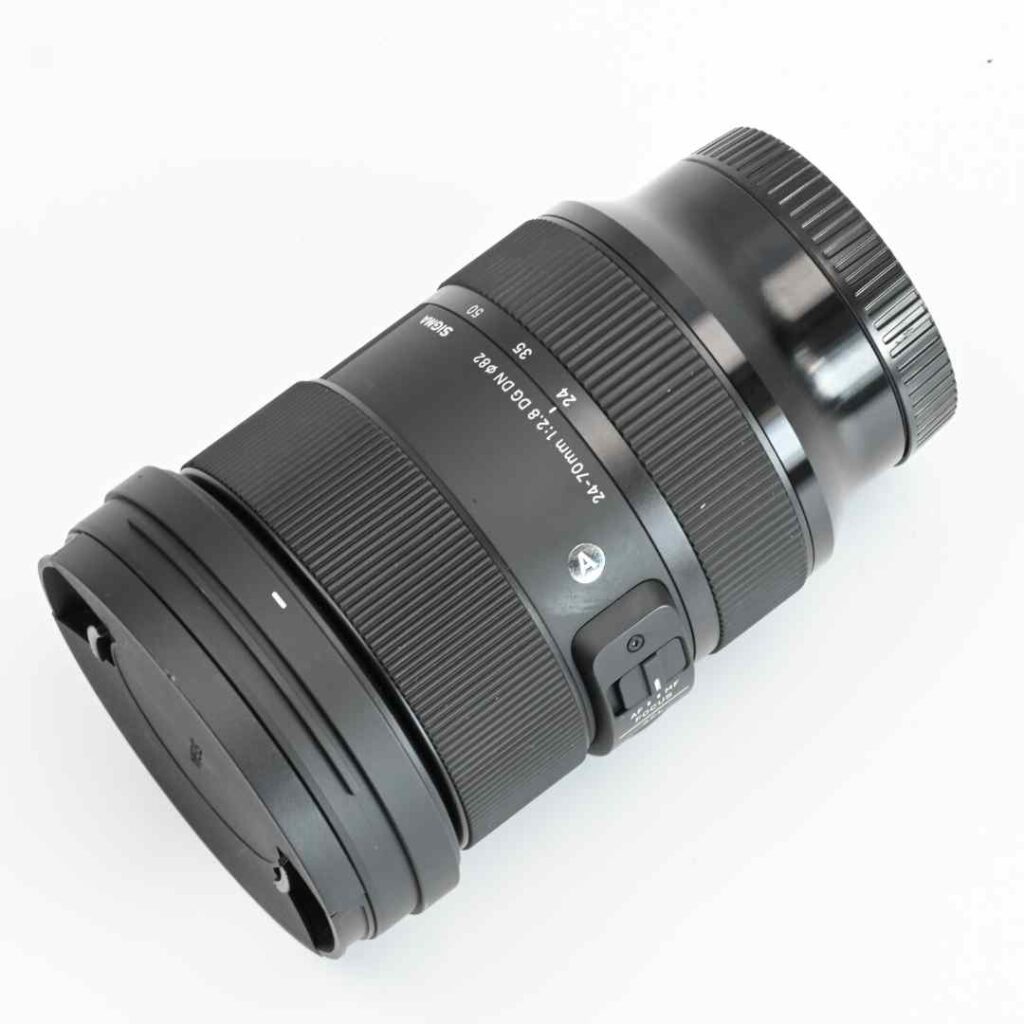
Sigma 24-70mm for the Lumix - $1100
Just as with the Tamron lens, this has a zoom which is again super handy. Honestly, I can't say I understand all the features. I have no idea, but I use it for filming slightly wider-angle shots, say where I want to get half the bench in on the action, rather than for anything super close up.
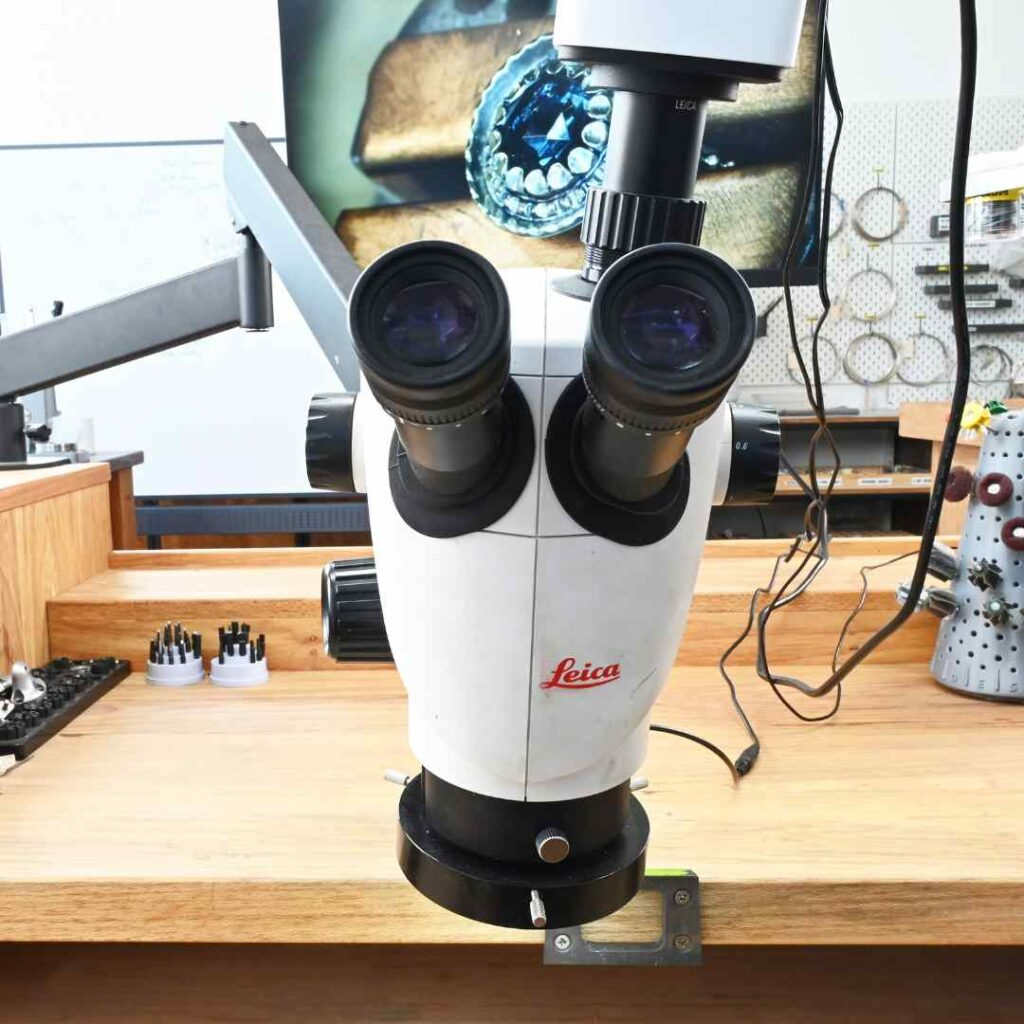
Leica S9D Trinocular Microscope - $2300
You can't go wrong with any Leica microscope! And this is no exception.
I also have the S9i which has an integrated camera, but I find it too temperamental for my liking. Plus, the camera only films AVI files which aren't compatible with Adobe Premier Pro.
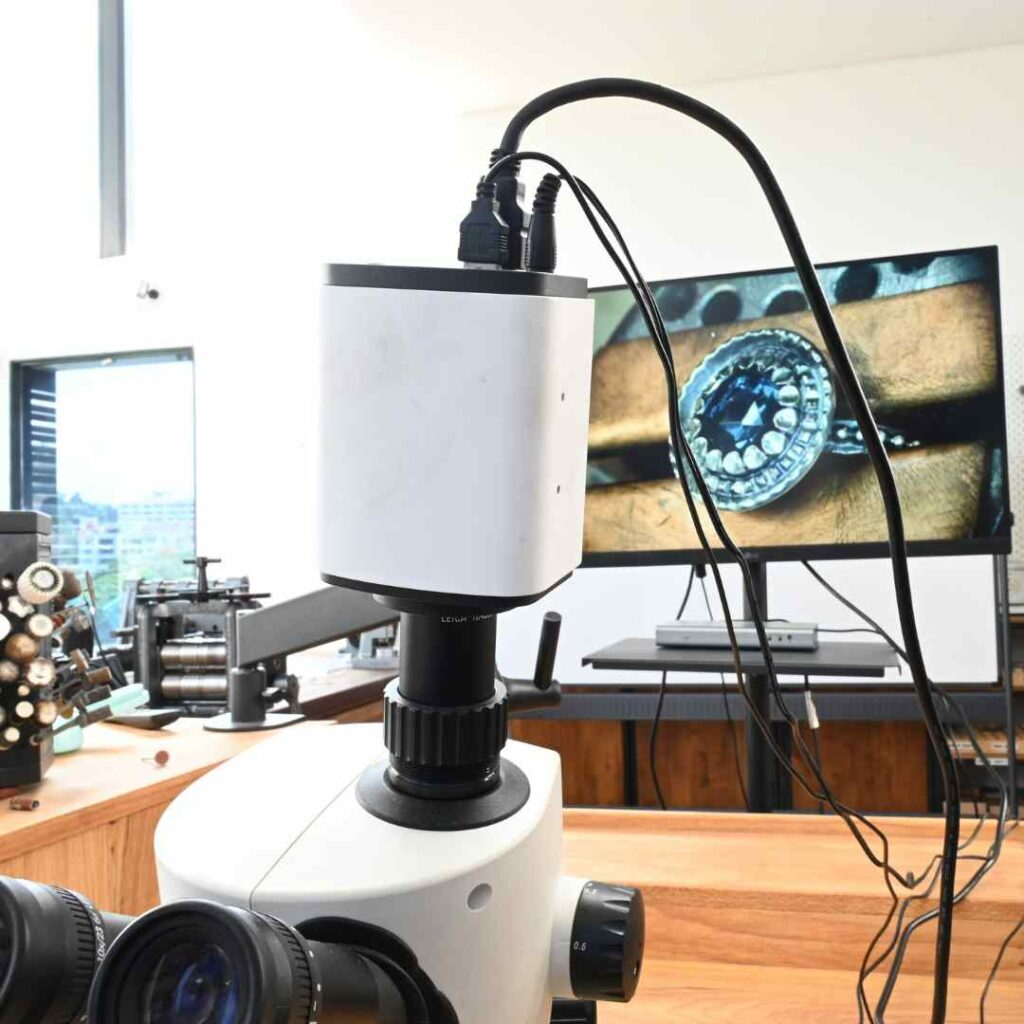
M4KHD2/M 4kHD Digital Microscope Camera - $1500 + $400 for adapters
Well despite not liking the S9i because it only films AVI files, this camera is the same, but I prefer it anyway. Operating a camera and a microscope separately is easier than trying to operate both at once. It's not a bad camera, but I will be exploring other options soon. Time for a camcorder I think and a new adapter of course. On the note of adapters, you will definitely need one to get your camera to play nicely with your scope. I buy my adapters from Martin Microscopes.
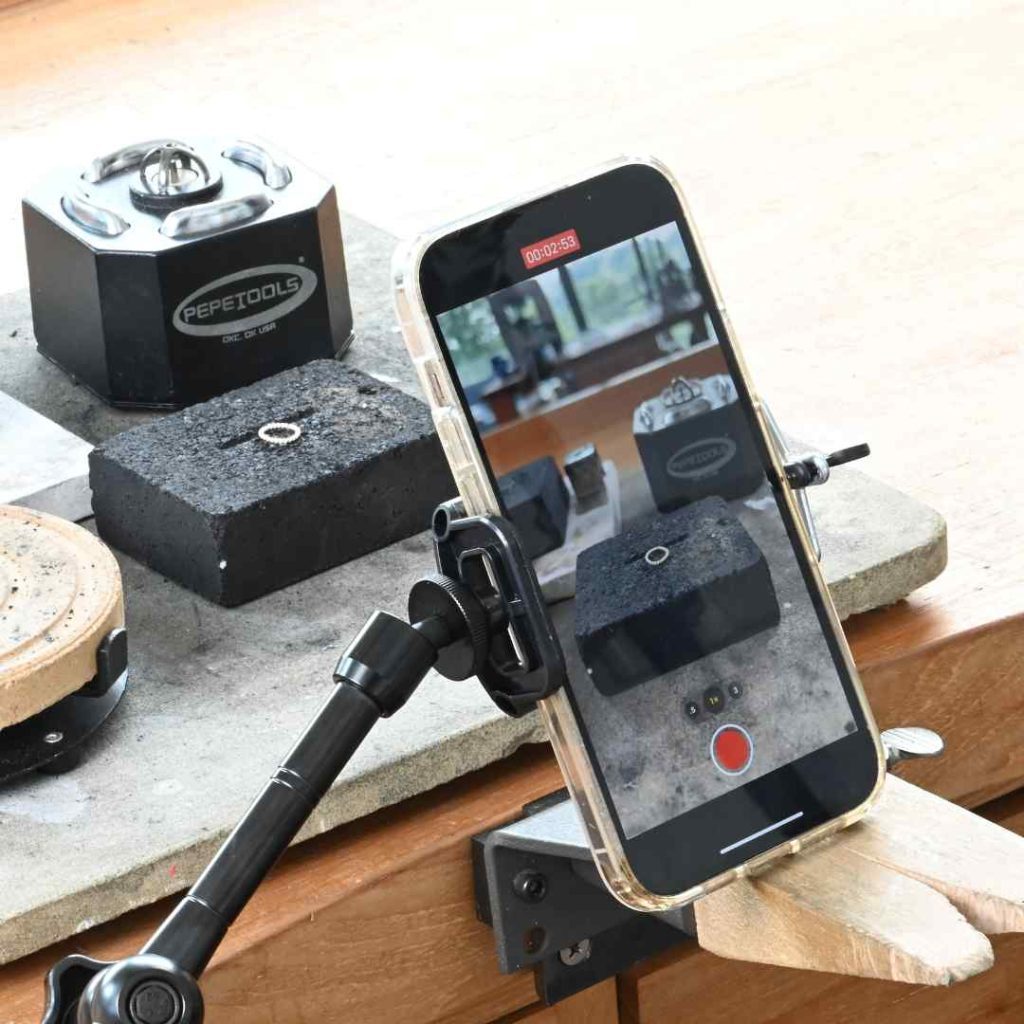
Iphone 13 Pro Max 1TB- $1599 (at launch)
Simple but it works when you need something fast. I have a separate iPhone just for filming which I definitely recommend to avoid getting stuck uploading and downloading videos. I got the largest storage possible to make life easy.
Top tip, disable the autofocus on these things if you don't want the lens constantly trying to focus as you move around. I set the focus to whatever I'm working on, and just make sure it doesn't move out of focus. I also enable 4k filming which is not set as default.
Screens
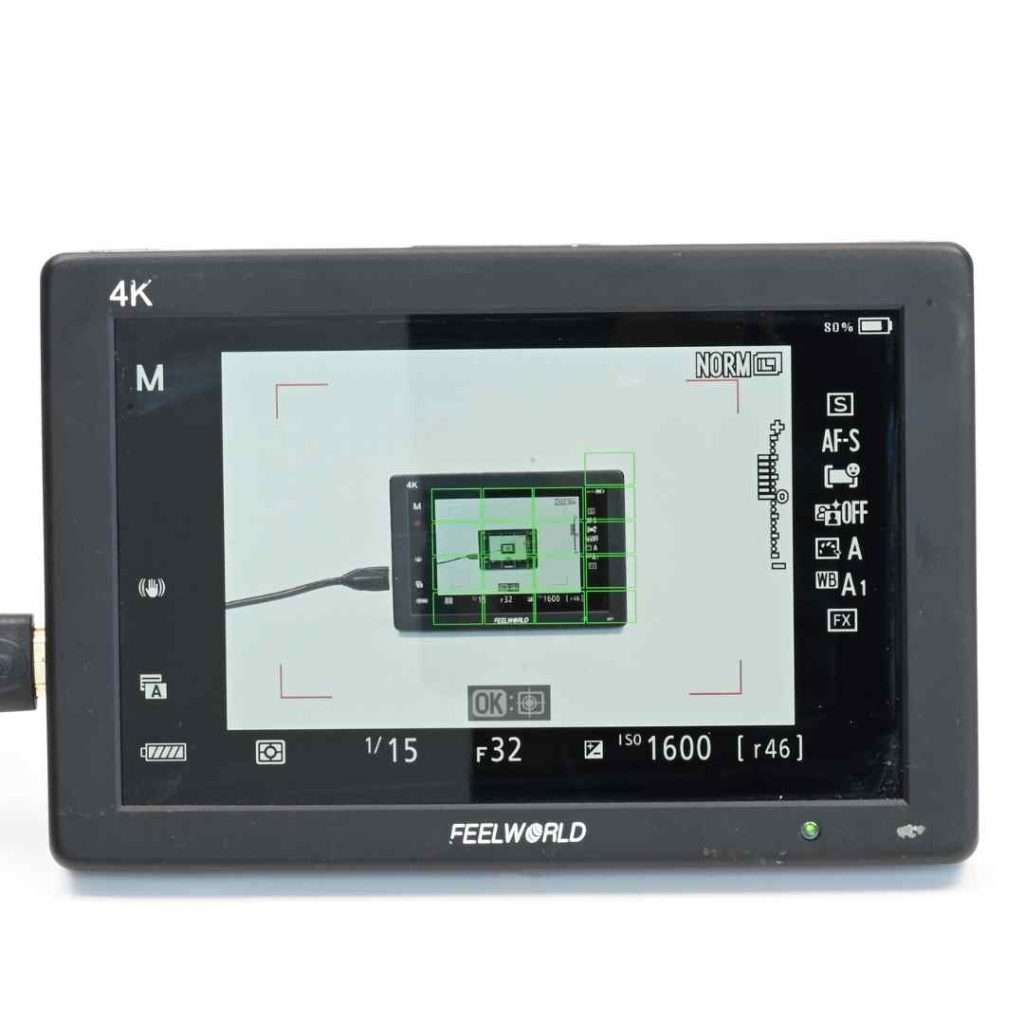
FeelWorld F6 Plus 5.5" 4K HDMI Monitor - $190 (we use three of these)
Camera monitors are small, I do not trust them. Things may look in focus at the time, but upon transferring footage to your laptop, you find it's not - devastating!
It's also impossible to see your camera's view finder while you're working and filming, and so I usually have three of these on my workbench - just out of the view of any camera, but close enough that I can see them.
Sometimes though, it's not possible to work with these, so I also use the screen below.
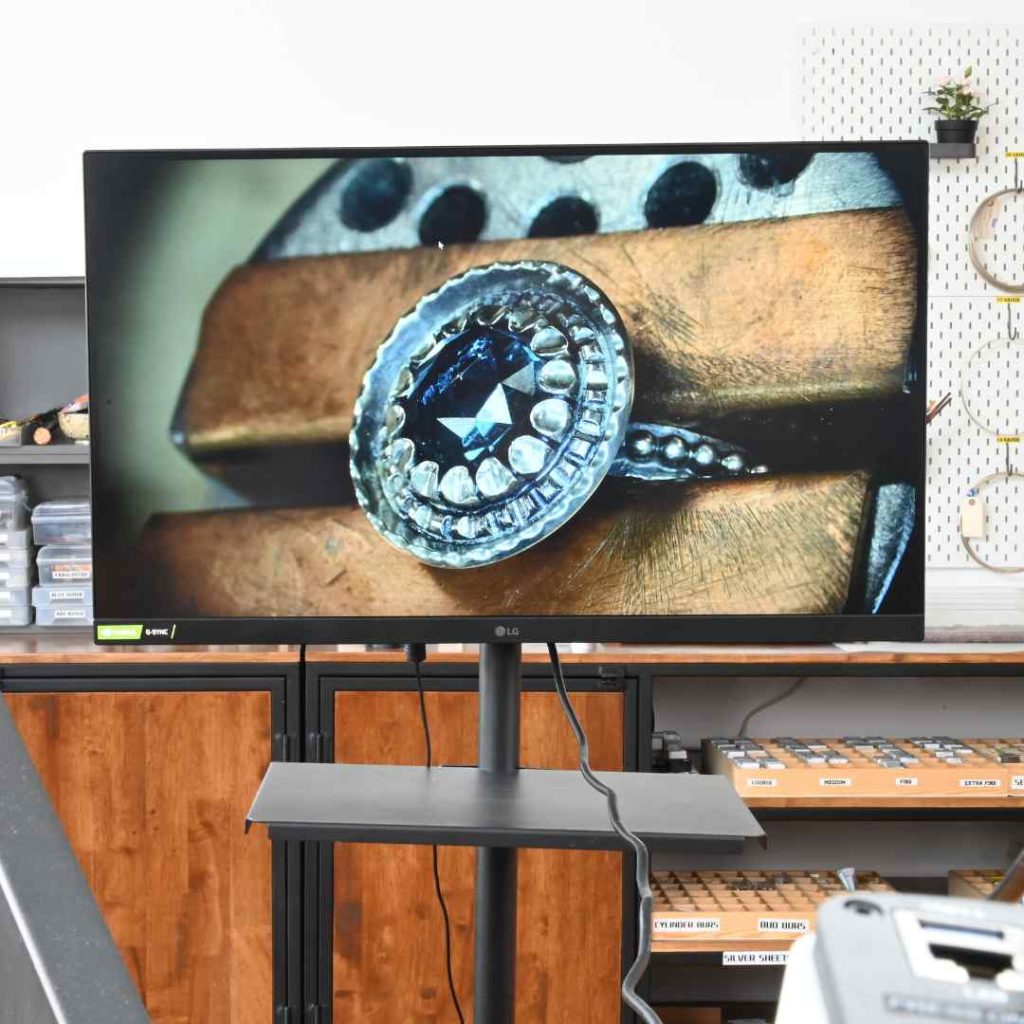
LG UltraGear Gaming Monitor 27"- $350
I love my little monitors, but sometimes there just isn't space for them on the bench. When this happens, I need to use a larger screen (which I use together with a multiviewer so I can check out all my cameras from just the one monitor).
Lighting
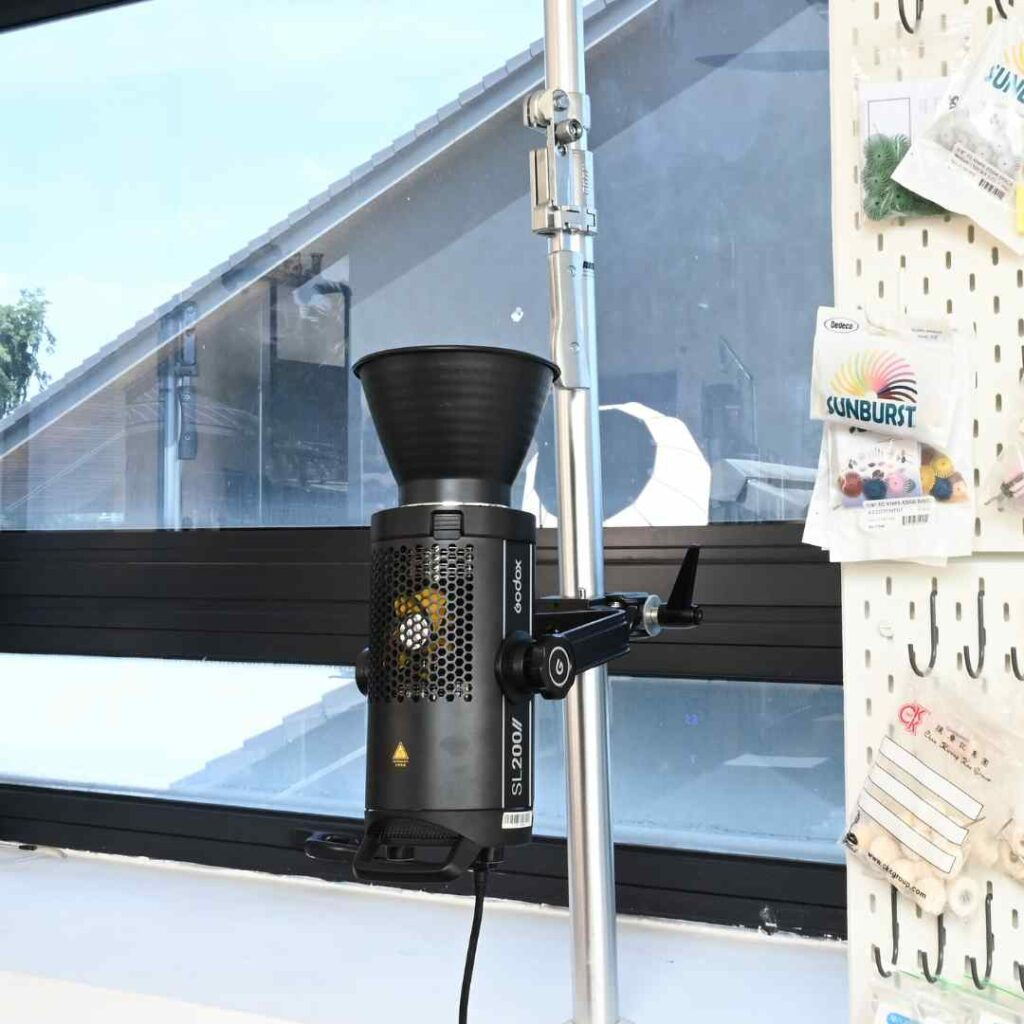
Godox SL 200 - $440 (I have 4 of these)
No matter how good your cameras are, I have found lighting is absolutely key. I use 4 of these lights for virtually every shoot despite having an exceptionally well-lit studio with natural light.
Generally speaking, to make the most of our natural light, most of my filming is done between 11am and 3pm (thank the lord I live almost on the equator).
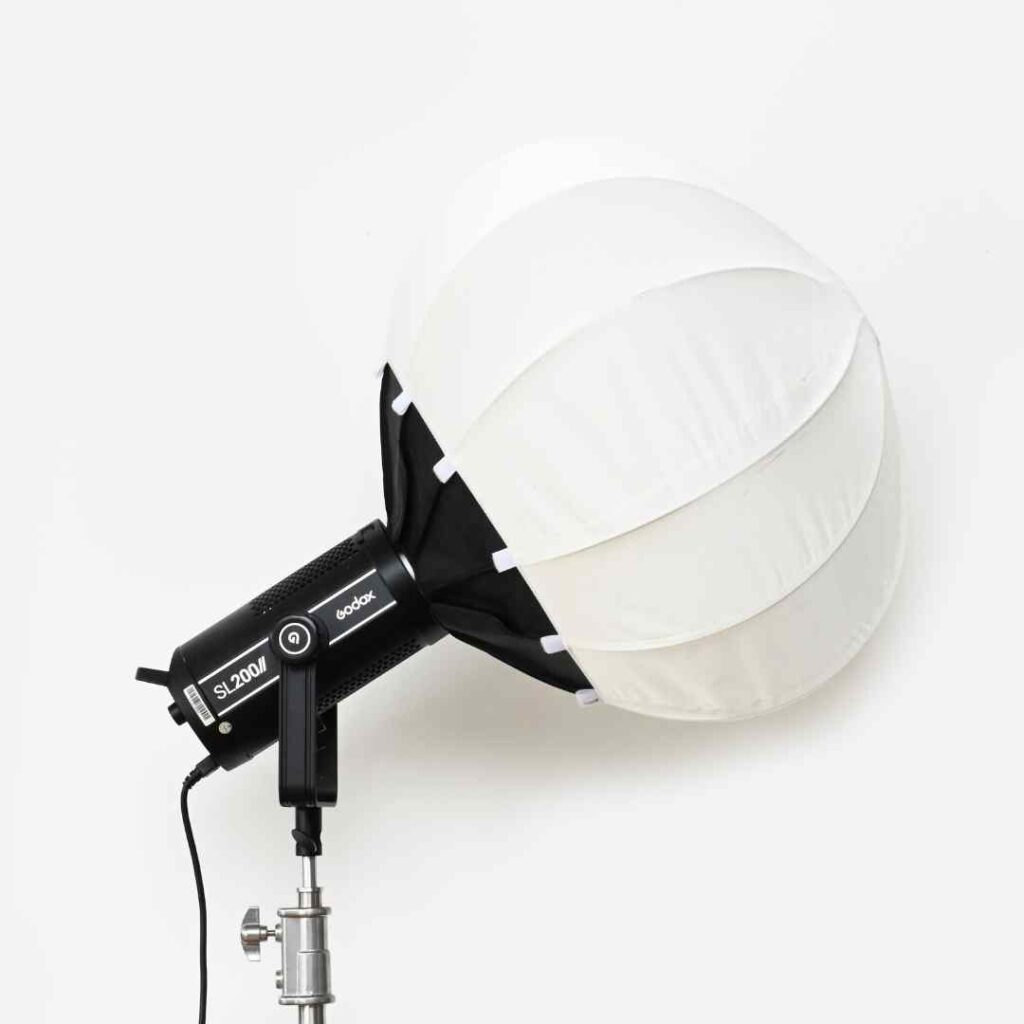
Godox Collapsible Lantern Softbox (26.6") $70 each
Using light directly is way too harsh for filming - these soft boxes reduce shadows and give a much softer light.
Two of our lights generally have these softboxes on, and the other two lights bounce the light from the ceiling which also helps avoid getting any harsh shadows.
Editing
These are not all the laptops I own - SHOCK! But why so many? Because rendering videos and uploading videos takes a lot of time, and slows down your laptop horrendously. In order to be productive, I need to have alternative laptops to use when my main one is busy uploading or downloading.
Why not a desktop? Because I work at home, at the studio, and sometimes even at the beach (it's amazing editing by the beach) - a desktop is simply too restrictive for me personally.
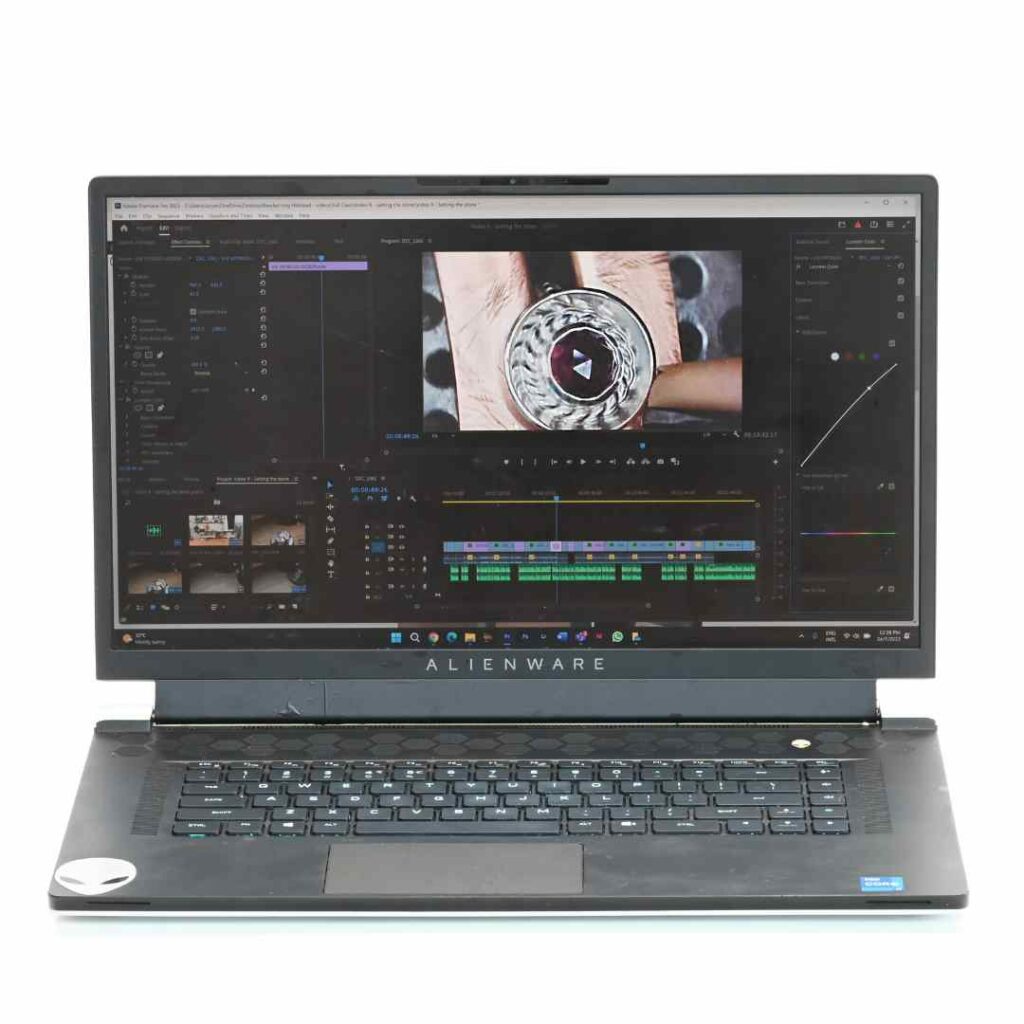
Alienware x17 R1 Gaming Laptop, 17 inch screen, 64GB RAM, 4TB storage - $3,000 (or there abouts)
I was fortunate enough to be able to bag a 4TB laptop before they stopped selling those in Malaysia. A powerful laptop with a decent memory is a must if you are using a lot of 4K video footage.
I've linked to the latest model below, mine is no longer available.
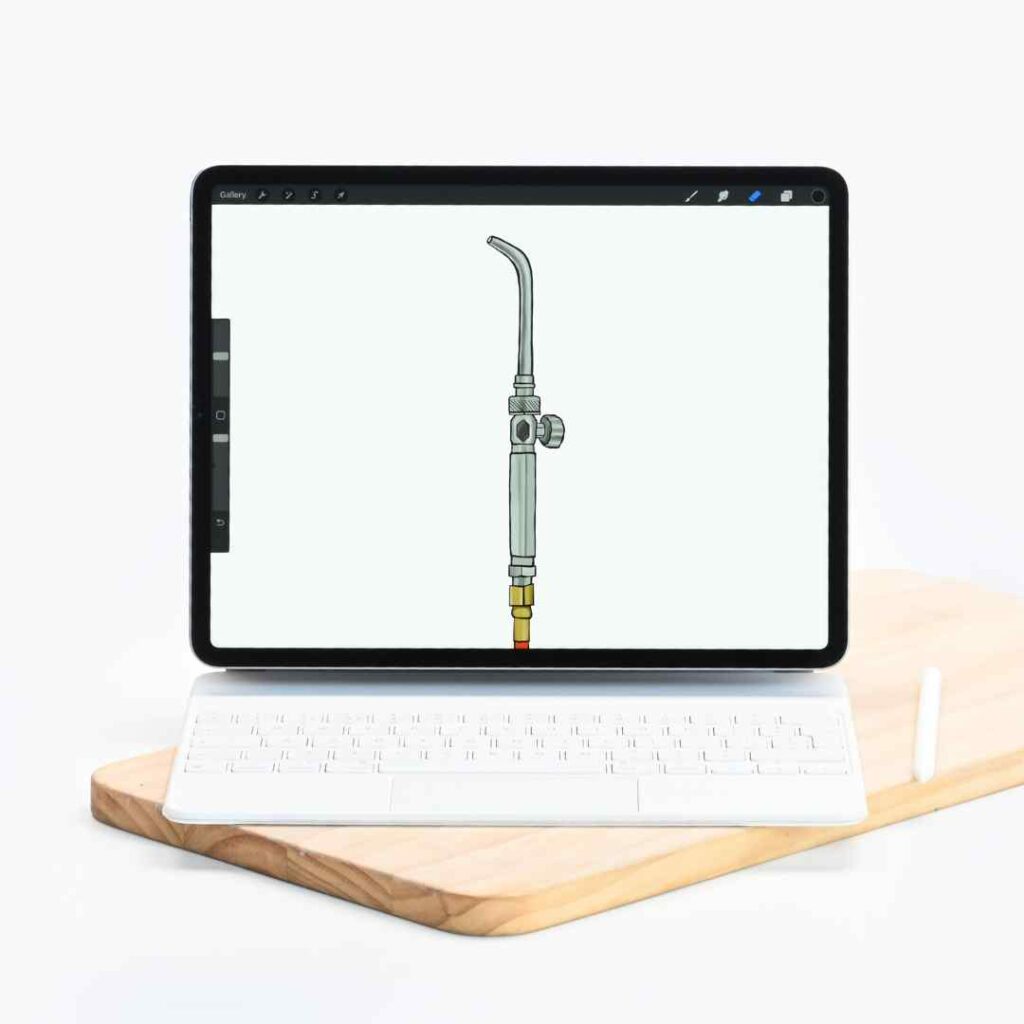
Ipad Pro, 12.9 inch screen, 1TB - $1800
This I love to use with ProCreate. It's perfect for drawing the graphics we use in our handouts and videos. I also use iMovie for creating quick videos if there isn't space on my regular working laptop.
It also has a great web cam for if you ever want to do live presentations - I only just figured this part out!!
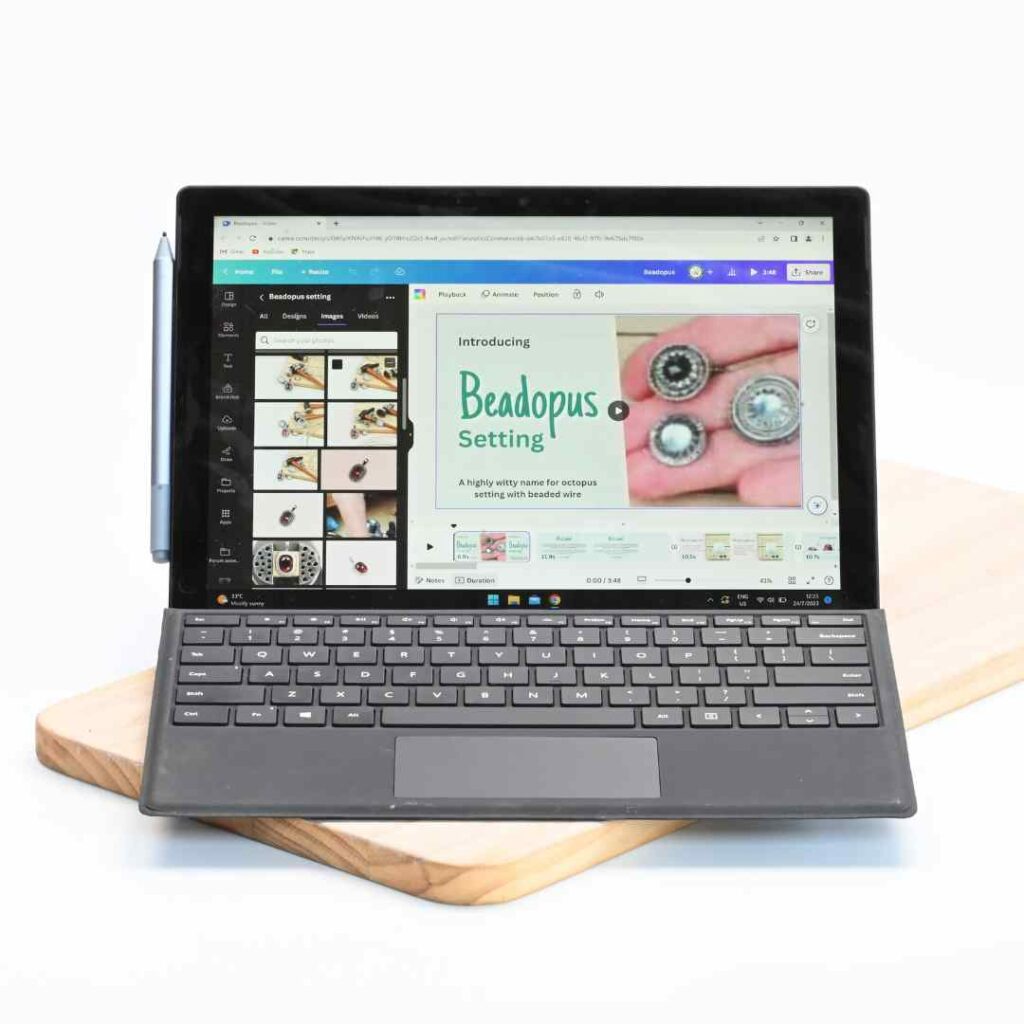
Microsoft Surface Pro 7
I mostly use this with Adobe Illustrator and Photoshop to create graphics and animations for our online classes as well as handouts. The touch screen and pen make things a lot easier than trying to use a mouse.
I can't remember all of the specs, but basically I went for maximum power and storage.
Storage
This cost has been a huge shock to me, but one way or another we have to save and back up our work.
External storage is pricey, but that's not the only thing, hosting videos with Vimeo is another huge cost. The public pricing you see on Vimeo's website doesn't apply once you reach a certain threshold, when much larger enterprise-grade costs come into the picture - be sure to do thorough research when deciding on video hosts.
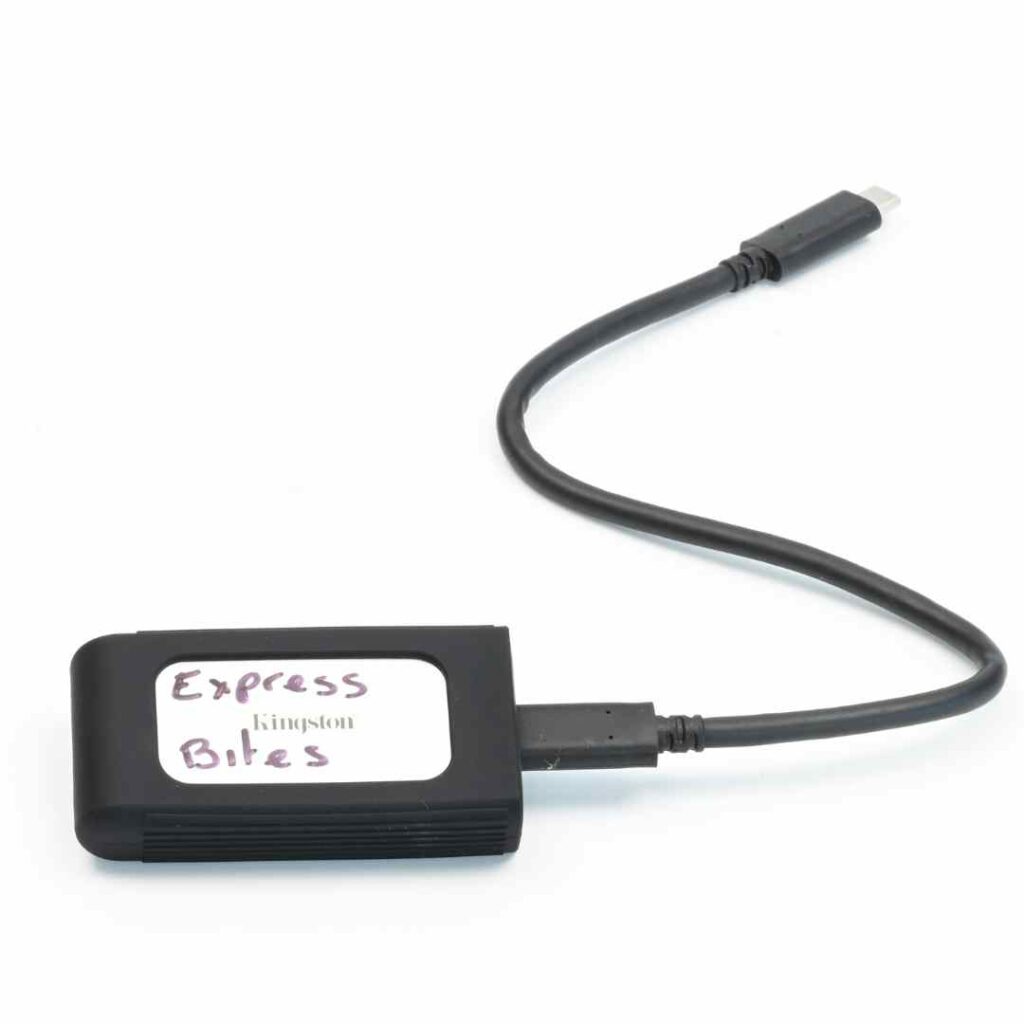
Hard drives - Kingston XS2000 4TB High Performance Portable SSD - $240 each (we currently have about 20 hard drives)
Our classes each take about 3 to 4 months to produce entirely. I cannot imagine not saving my work regularly on a backup drive.
And it's also worth noting, if you're planning on filming in 4K and from multiple angles, even with a 4TB laptop, it will run out of storage pretty quickly. I can film and produce a maximum of two classes at a time on my 4TB laptop - but I do film everything in 4k, and I am obsessed with retakes if things aren't perfectly in focus.
I do not recommend using cheap hard drives, they die if you drop them on the floor - ask me how I know!
Synology DS1821+ Network Attached Storage - $7000 (after loading it out with hard drives)
Once our classes are uploaded onto a hard drive, I have to delete all the original files from my laptop - they just can't possibly fit on there. Deleting from my laptop means, I only have one copy of our files which is too risky. So, the files then get backed up on our network storage.
We recently upgraded to this 8-bay NAS from the 4-bay one we were using before. They don't come with the hard drives, so those need to be bought separately and that's where the true cost is. We have currently 6 of the bays filled with 16TB hard drives each, and will need to upgrade very soon!!!
Tripods
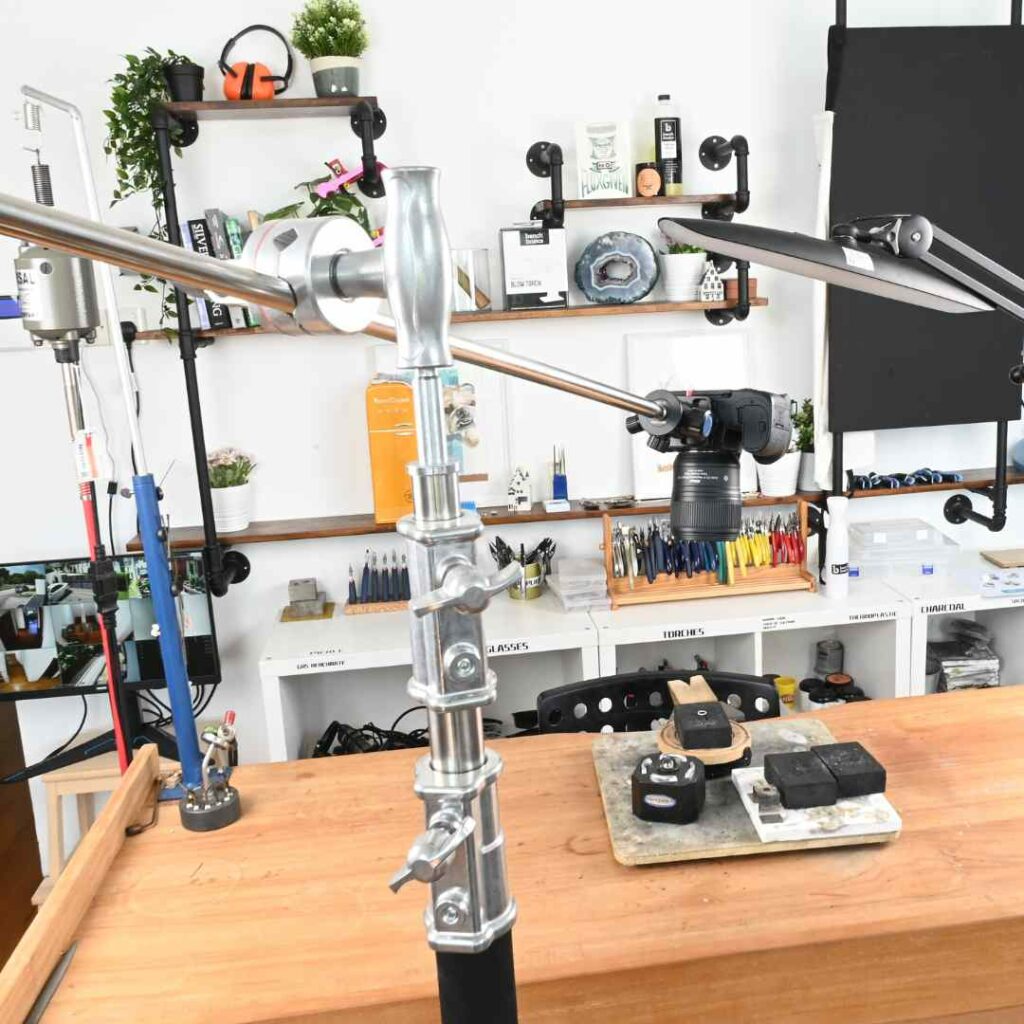
C-Stands - $170 (we have 6 of these)
These adjustable metal stands are excellent for getting into places where tripods just can't reach - when you need to get the camera really close into the action.
We also use these as stands for our Godox lights.
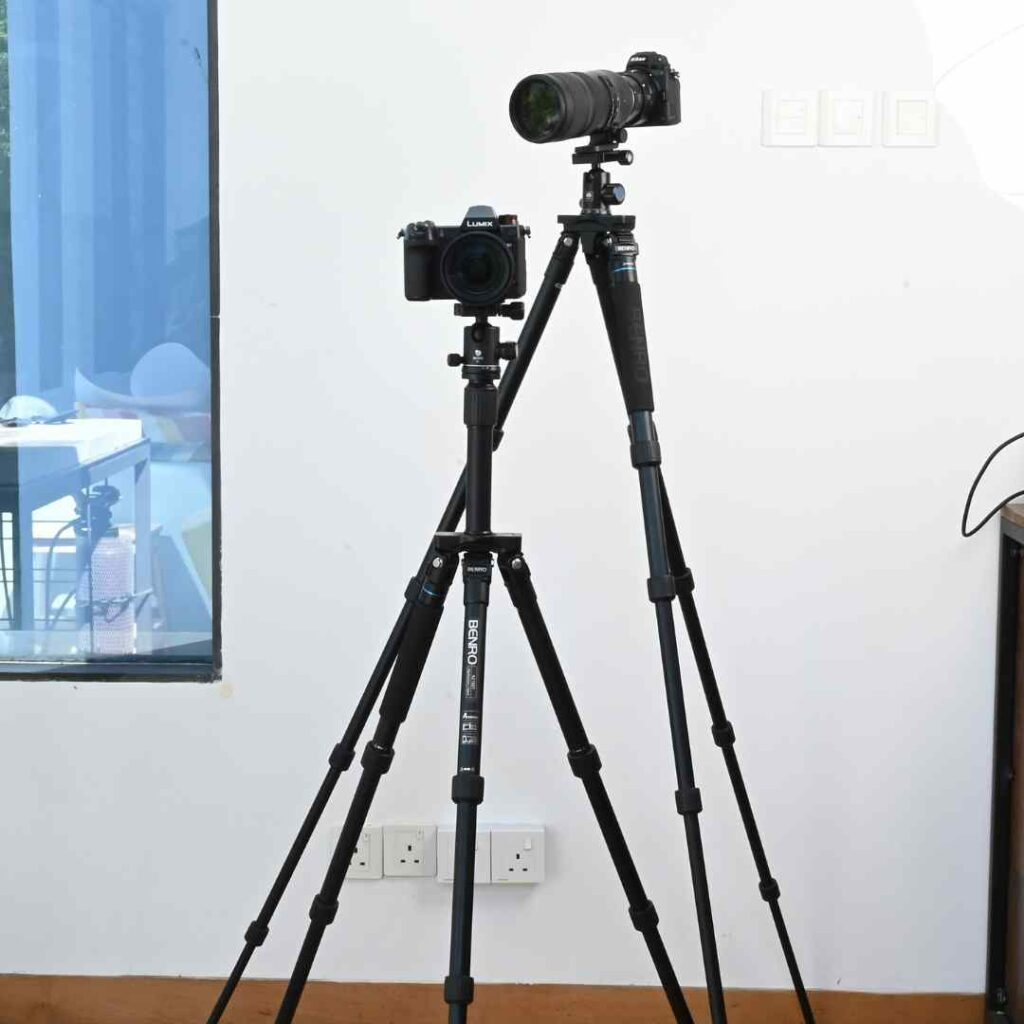
Benro FGP28C Tripod - $400 (We have 6 in the studio)
Sturdy and lightweight, these are super easy to move around the studio and exceptionally sturdy for the weight. They have an articulating pole at the top which can also be helpful for getting cameras into hard-to-reach places.
We use these for photography and videography in conjunction with the Benro B1 mentioned below
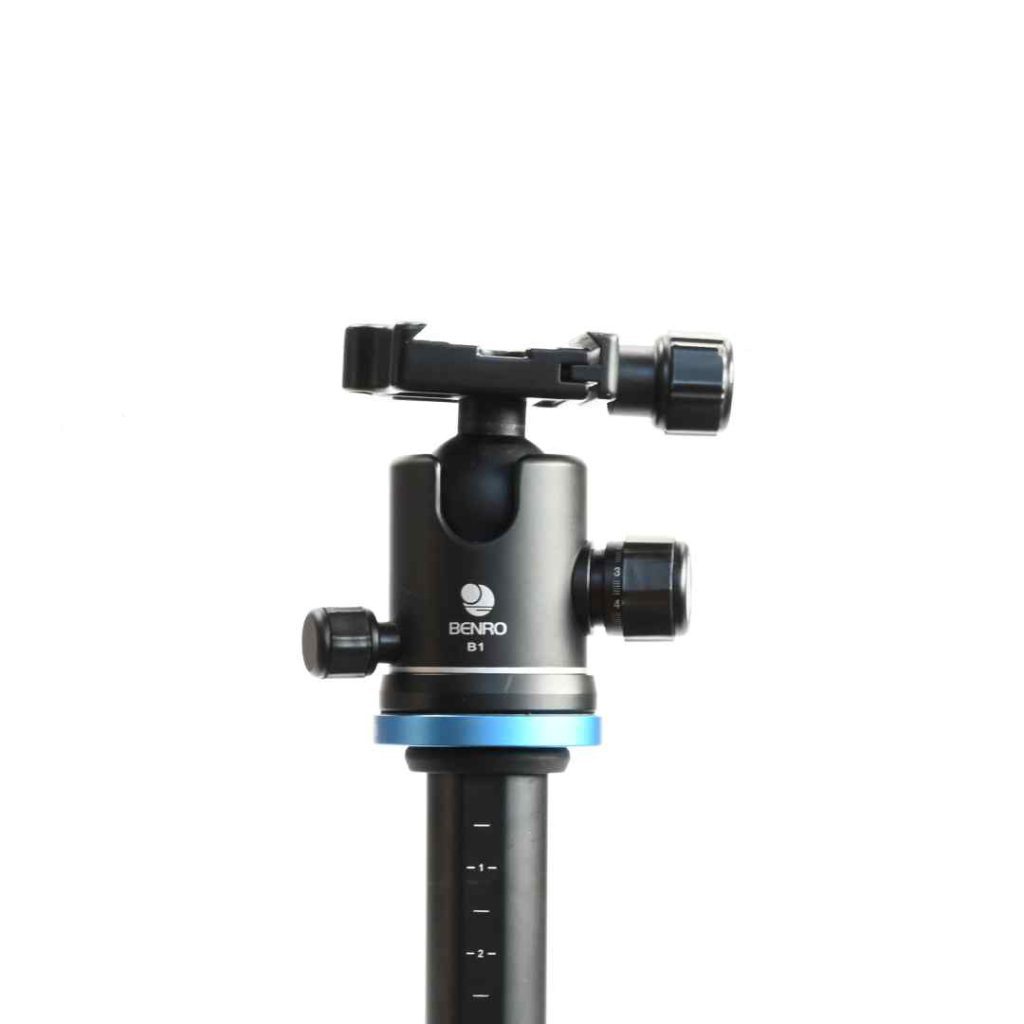
Benro B1 Double Action Ballhead $120 (We have 6 of these)
No matter what tripod I use, I couldn't film without these - they're easy to use and allow the camera to be easily maneuvered.
Audio
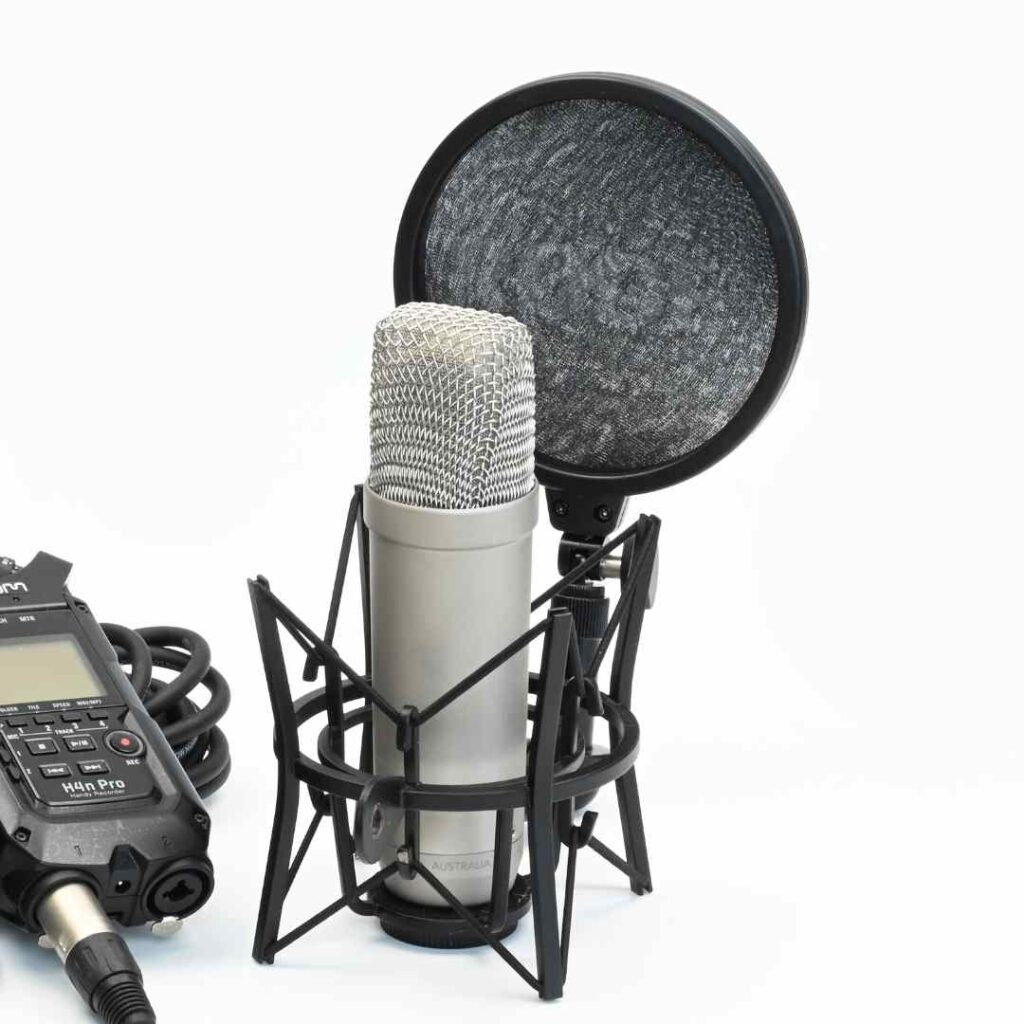
RODE NT1-A Large-Diaphragm Cardioid Condenser Microphone - $200
I love this mic, it's not as discreet as a lapel mic, but the quality is excellent, and as most of our videos are voiced over, it's not really an issue.
I use this together with the recorder below.
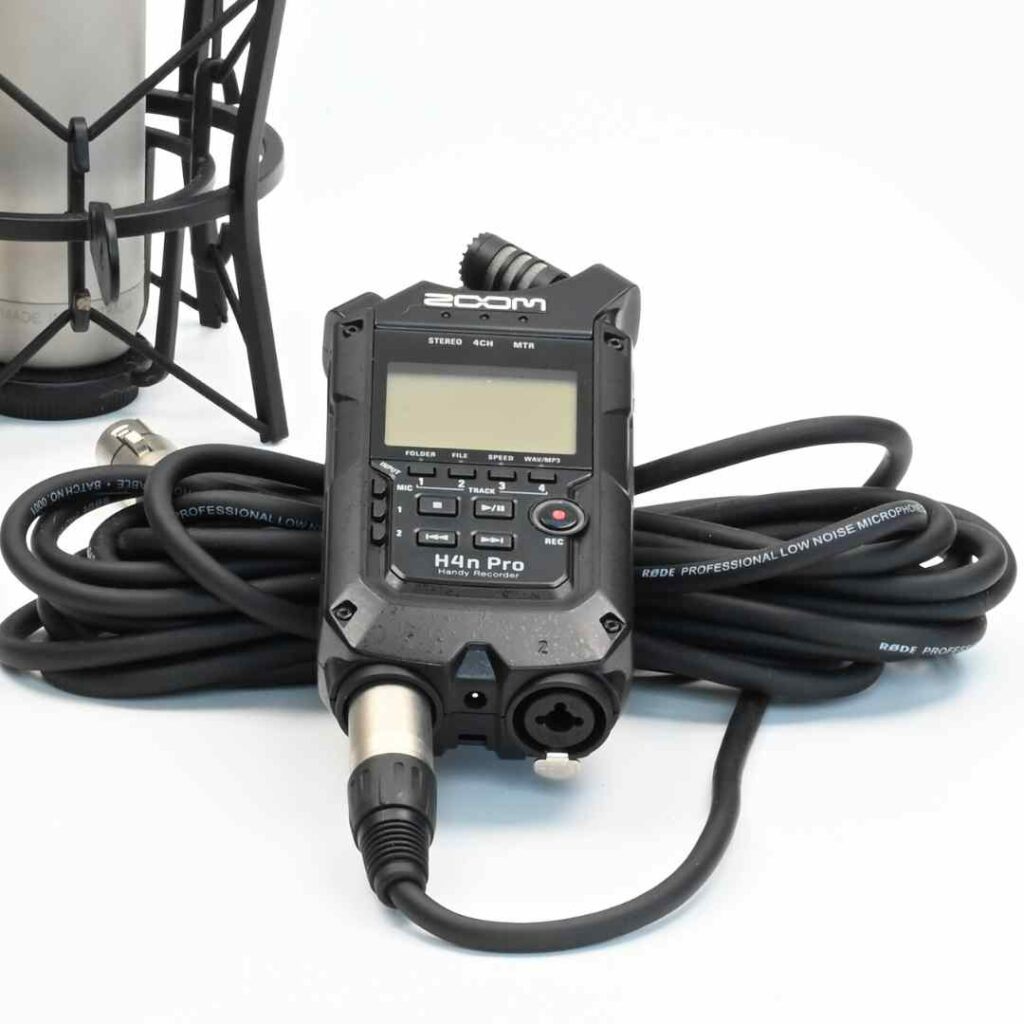
Zoom H4n Pro - $200
I honestly think this thing takes way too long to start up - like 30 seconds to load. But it does help record very nice audio.
I'm happy with it, but I'd love to try out more options!
I hope you find this little rundown helpful! It's not everything, but it is most of it. Of course there are cables and batteries galore involved in this, but who wants to see piccies of cables right?!
Ready to unleash your inner jewelry maker and create stunning pieces from scratch?

Inside our value-packed online membership, you’ll find all the skills, steps, and tools you need to start making high-quality jewelry from home. With 30+ online classes and 100+ resources, hands-on support from expert jewelers, and a friendly community of like-minded jewelers, you’ll be unstoppable at making your goals a reality. Whether you’re brand new to the game or a seasoned pro, you’ll find everything you need to get unstuck and level up your skills - all in one seamless, flexible, and fun online portal.
Unlock your potential, progress faster, and actually enjoy your jewelry-making journey inside the Metalsmith Academy.

Share Post




Get free Unlimited Access to The Metalsmith Academy for 7 Days
*Cancel anytime, no lock-in contracts.


Unleash Your Creative Spark Today
Ready to take your jewelry-making skills to the next level? Join The Metalsmith Academy and start making pieces of jewelry you’re proud to show off. Don't let self-doubt hold you back - join The Metalsmith Academy today and begin your journey toward becoming a jewelry-making pro!
Join The Metalsmith Academy Now
*Cancel anytime, no lock-in contracts
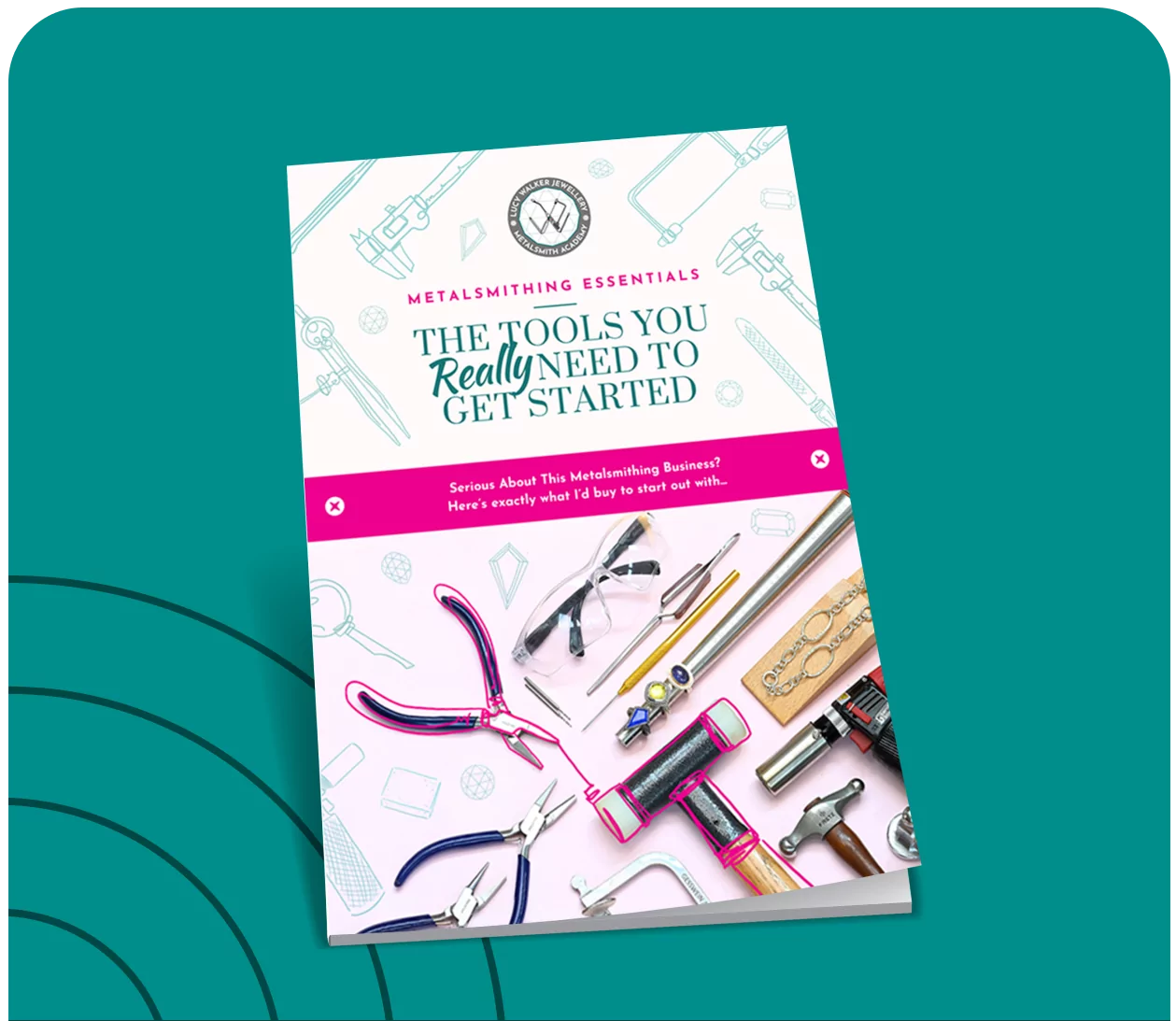
Get Started for free With Our Jewelry-Making Tools Ebook
New to the metalsmithing malarkey and wondering what tools you really need to spend your hard-earned money on?! Where to splurge, and where to save (money, time and sanity?) Download our highly-popular eBook and start creating your jewelry-making obsession collection today!
Privacy Policy
Last Updated: 1 March 2021
Lucy Walker Jewelry PLT (“LWJ” and any reference to “we”, “us” or “our” shall mean LWJ) respects and is committed to the protection of your personal data and your privacy. This Personal Data Protection Notice (“Privacy Notice”) explains how LWJ collects and handles your personal data in accordance with the Personal Data Protection Act 2010 of Malaysia and other applicable privacy laws we are to adhere to. Please note that LWJ may amend this Privacy Notice at any time without prior notice and will notify you of any such amendment via our website or by such other means of communication as deemed suitable by LWJ.
1. Personal Data
1.1 Type of personal data
Personal data means any information which relates to you or in respect of a third party and which was collected or provided to LWJ for any of the purposes stated in Section 2 below (“Purposes”).
Your personal data may include, but is not limited to, your name, address, email address, contact information and IP address.
1.2 Source of personal data
LWJ collects your personal data whether directly from you or indirectly from third parties such as your third party representatives in connection with any submission, transaction, arrangements and/or enquiries made with LWJ including when you send us enquiries, register for an account on our website, purchase products or memberships from us, or join our online competitions and contests.
1.3 Obligatory personal data
All information requested for in the relevant forms and documents is obligatory to be provided by you unless stated otherwise.
Should you fail to provide the obligatory information, we may be unable to process your request and/or provide you with relevant services and products.
2. Purposes of collecting and further processing (including disclosing) your personal data
Your personal data is collected and further processed by LWJ as required or permitted by law and to give effect to your requested commercial transaction, including the following (Purposes):
(a) to assess and process your request for our products and services;
(b) to administer and give effect to your commercial transaction
(c) to facilitate your participation in, and our administration of, any events including contests, promotions or campaigns;
(d) to administer and communicate with you in relation to our products, services, promotions and/or events;
(e) to process any payments related to products and services requested by you;
(f) for internal investigations, compliance, audit or security purposes including without limitation for crime detection, prevention and prosecution;
(g) to conduct research for internal marketing analysis and analysis of customer patterns and choices;
(h) to better manage our business and your relationship with LWJ;
(i) to respond to your enquiries and to resolve any issues and disputes which may arise in connection with any dealings with LWJ;
(j) to comply with LWJ’s legal and regulatory obligations in the conduct of its business including to meet any disclosure requirements of any law binding upon LWJ;
(k) to contact you and/or provide you with information regarding products, services, upcoming events, promotions, advertising, marketing and commercial materials which may be of interest to you;
(l) to ensure that the content from our website is presented in the most effective manner for you and for your computer and/or device;
(m) for LWJ’s internal records management; or
(n) for any other purpose that is required or permitted by any laws, regulations, guidelines including the requirements of any governmental or regulatory authorities.
Where you have indicated your consent to receiving marketing or promotional updates from LWJ, you may opt-out from receiving such marketing or promotional material at any time. You may select the “unsubscribe” option provided in our email blasts or you may contact LWJ at the contact details provided in Section (6) below.
3. Disclosure or transfer of personal data (within or outside of Malaysia)
Classes of third parties
Your personal data may be disclosed or transferred to relevant third parties (within or outside of Malaysia) as required under law, pursuant to relevant contractual relationship (for example, our third party service providers) or for the Purposes (or directly related to Purposes).
Your personal data may be disclosed to the following classes of third parties:
Third parties appointed by us to provide services to us or on our behalf (such as banks or financial institutions, auditors, lawyers, company secretary, information technology (IT) system / software vendors, contractors, marketing consultants and other advisers);
Any financial institutions, merchants, credit card associations, or payment gateways in connection with your use of any credit or debit card in any transactions made with us;
Law enforcement agencies including courts, tribunals or authorities, whether governmental or quasi-governmental having jurisdiction over LWJ;
Relevant governmental agencies, statutory authorities, industry regulators and local councils; and
Any persons, authorities or regulators to whom LWJ is permitted or required to disclose to under the laws of any country.
4. Websites
4.1 Links to other sites
Content in any website run by LWJ (“LWJ Websites”) may include links to third party websites. LWJ is not responsible for the content on such linked third party websites and users should observe the separate privacy policies applicable to the respective third parties website.
4.2 Cookies
LWJ may collect information about your visits to the LWJ Websites without you actively submitting such information. Unidentifiable information may be collected using various technologies, such as cookies, and web beacons. Cookies are small text files that are transferred to your computer’s hard disk by a website. Web beacons (also referred to as GIF files, pixels or Internet tags) help LWJ recognise a unique cookie on your browser. Your internet browser automatically transmits to LWJ some of this unidentifiable information, such as the URL of the LWJ Website you just visited and the browser version your computer is operating.
Passive information collection technologies can make your use of the LWJ Websites easier by allowing LWJ to provide better service, customise the LWJ Websites based on consumer preferences, compile statistics, analyse trends, and otherwise administer and improve the LWJ Websites. Certain features of the LWJ Websites may not work without use of passive information collection technologies. Information collected by these technologies cannot be used to identify you without additional identifiable information and LWJ will not collect additional identifiable information with information collected through the use of such tracking technologies.
5. Right to access and correct personal data
You have the right to access and correct your personal data held by us (subject always to certain exceptions). We will make every endeavour to ensure your personal data is accurate and up to date therefore we ask that if there are changes to your information you should notify us directly at the contact details set out in Item (6) below
6. Limiting the processing of personal data, further enquiries and complaints
If:
you would like to obtain further information on how to limit the processing of your personal data;
you have any further query; or
you would like to make a complaint in respect of your personal data,
you may contact :-
Designation : Business Director
Email Address : shaun@lucywalkerjewellery.com
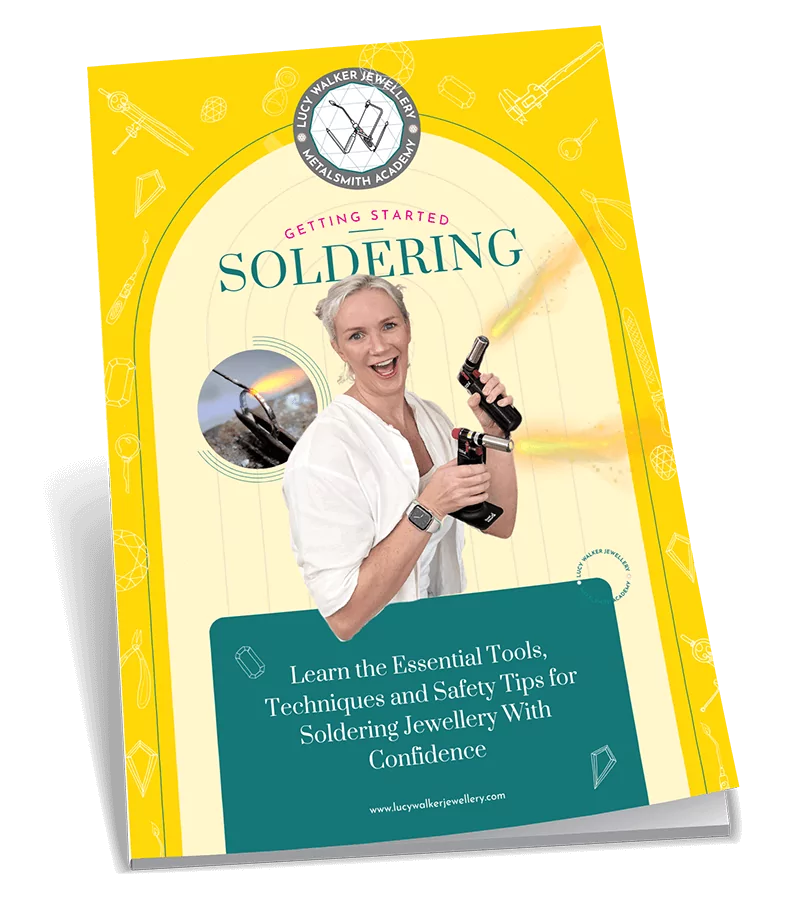
Download the Getting Started Soldering Guide now for FREE
Ready to overcome your flaming fears and master the #1 technique every metalsmith needs to create stunning jewelry? This outrageously comprehensive guide will give you the down-low on everything you need to know to start soldering with confidence!Ready to overcome your flaming fears and master the #1 technique every metalsmith needs to create stunning jewelry?
Just enter your details below and we’ll send it directly to your inbox.
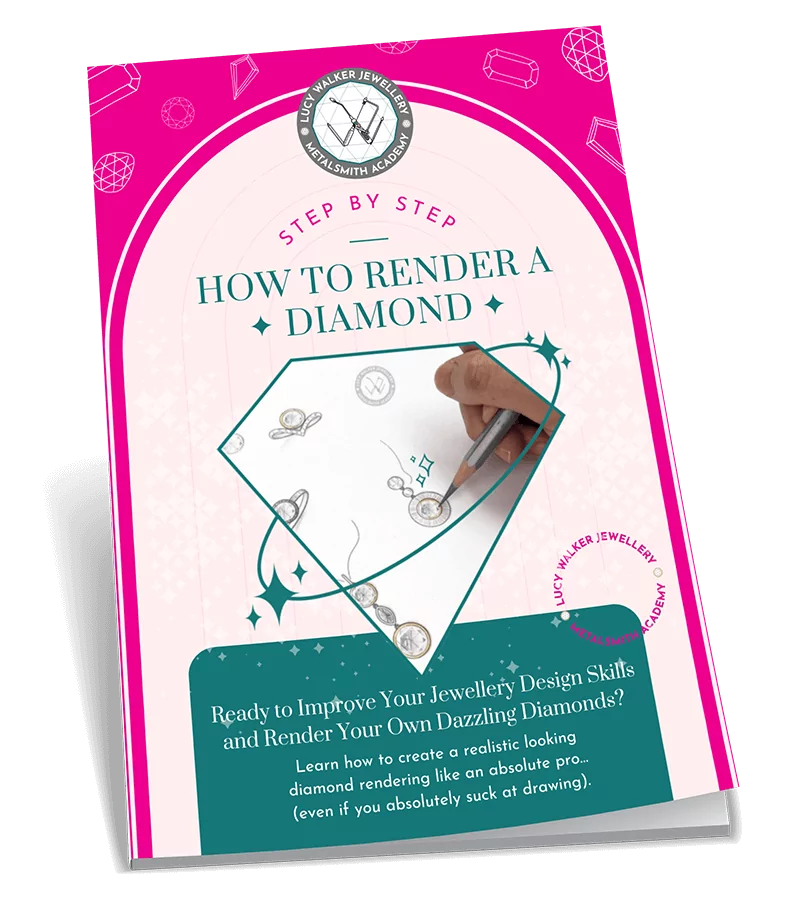
Download our Diamond Rendering Tutorial (PDF) now for FREE
Ready to learn the easier-than-you-think trick for rendering dazzling diamonds like a pro… even if drawing is soooo not your thing?! This handy PDF tutorial will be your sneaky shortcut to bring your diamond designs to life, without spending hours sketching.
Just enter your details below and we’ll send it directly to your inbox.

Download our $200 Jewelry-Making Tools List now for FREE
Ready to get the most bang for your buck and build your own beginner’s toolkit for less than $200? This 23-page guide will turn you into a smart and savvy jeweler, with all the tools you need to create elegant, high-quality, non-boring jewelry on a budget.
Just enter your details below and we’ll send it directly to your inbox.

Download our $200 Jewelry-Making Tools List now for FREE
Ready to get the most bang for your buck and start making your own jewelry for less than $200?
Just enter your details below and we’ll send the free guide directly to your inbox.
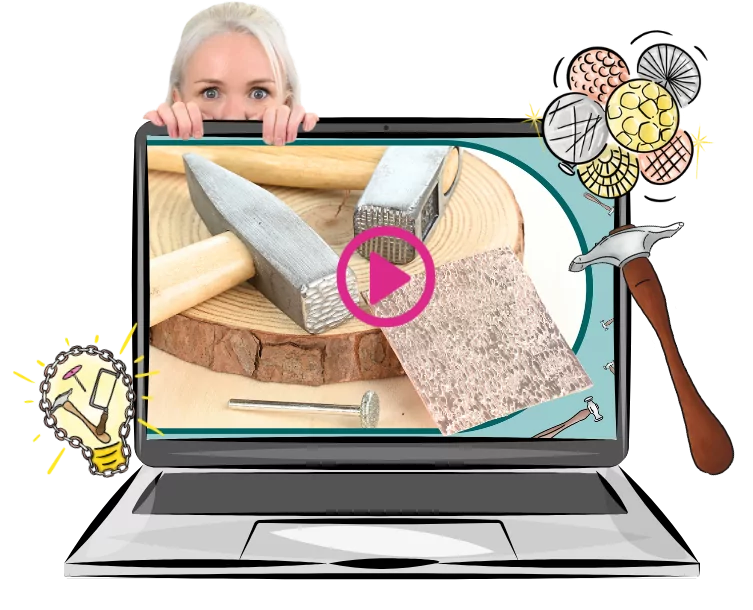
Turn a $4 Dud into a Texture Stud
In this fast and fun tutorial, you’ll learn how to transform a cheap-as-chips hammer into a seriously impressive texture tool - no fancy budget required.
Just enter your details below and we’ll send a link to watch directly to your inbox.
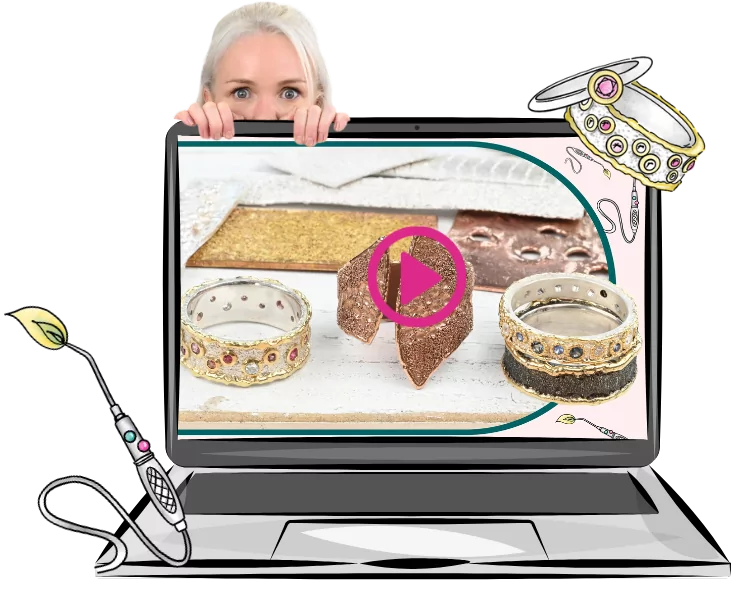
Love Playing With Fire? You’ll Love This.
In this free 20-minute video, you’ll learn how to turn metal dust into magic and master the art of wild, organic, melty textures - using nothing but a torch and a bit of control.
Just enter your details below and we’ll send a link to watch directly to your inbox.
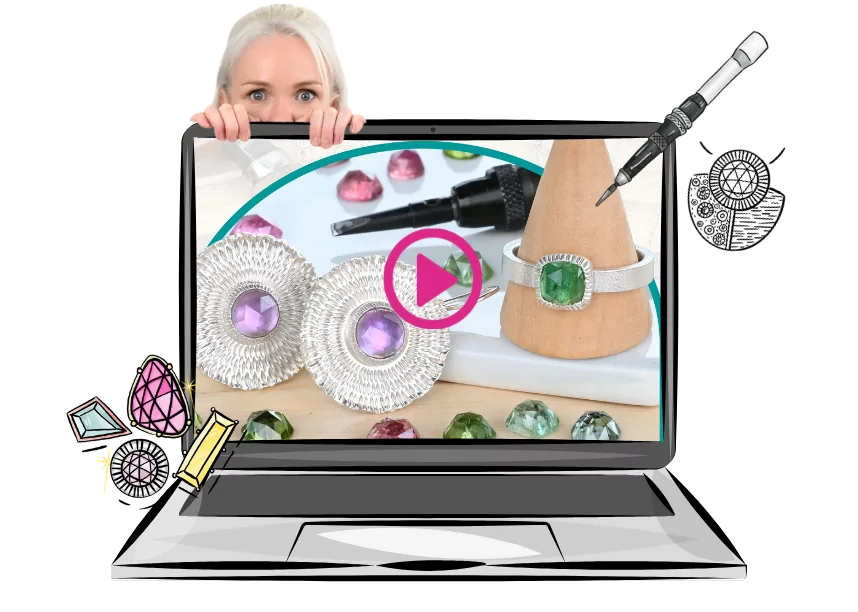
Learn How to Make Starburst Bezels (In Under 15 Minutes)
Ready to add some serious sparkle to your settings with this ridiculously satisfying technique? It’s quick, it’s fun, and these textured bezels are way easier to make than they look.
Just enter your details below and we’ll send a link to watch directly to your inbox.
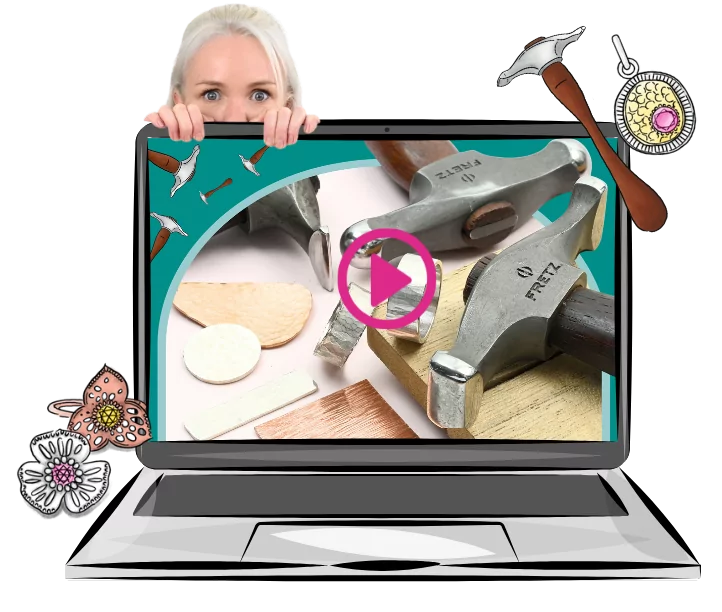
Unlock the Secrets to Gorgeous Hammer Textures
There’s a right way to whack metal - and this free 18-minute video shows you how. Say goodbye to messy textures and hello to finishes that actually look intentional (and professional).
Just enter your details below and we’ll send a link to watch directly to your inbox.
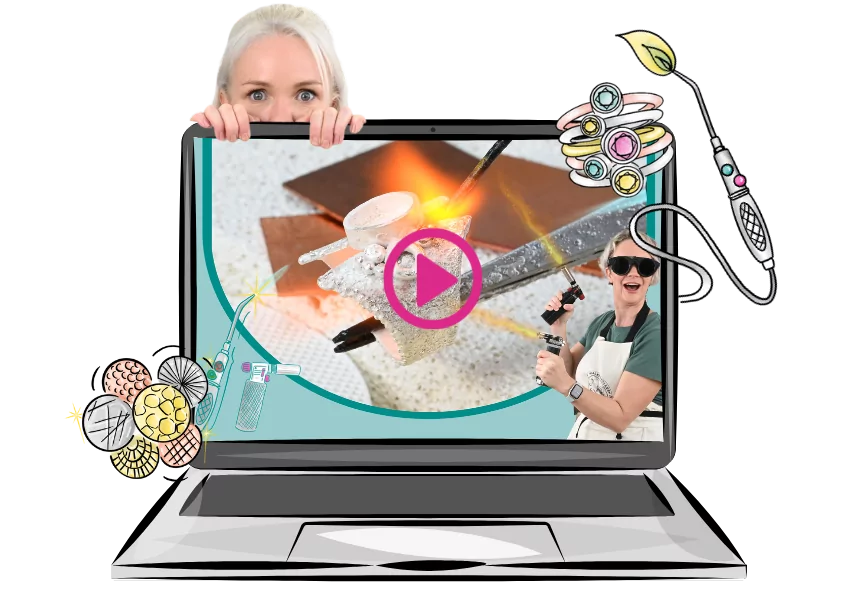
Struggling With Soldering? Start Here.
There’s a right way to whack metal - and this free 18-minute video shows you how. Say goodbye to messy textures and hello to finishes that actually look intentional (and professional).
Just enter your details below and we’ll send a link to watch directly to your inbox.
Download our FREE Jewelry-Making Tools eBook Now
Ready to build your must-have metalsmithing toolkit? Despite popular belief, you don't need all the tools to get started - or much at all! This eBook will take the guesswork out of your tool-buying and show you what you actually need (and what you can avoid wasting your coins on).
Just enter your details below and we’ll send it directly to your inbox.
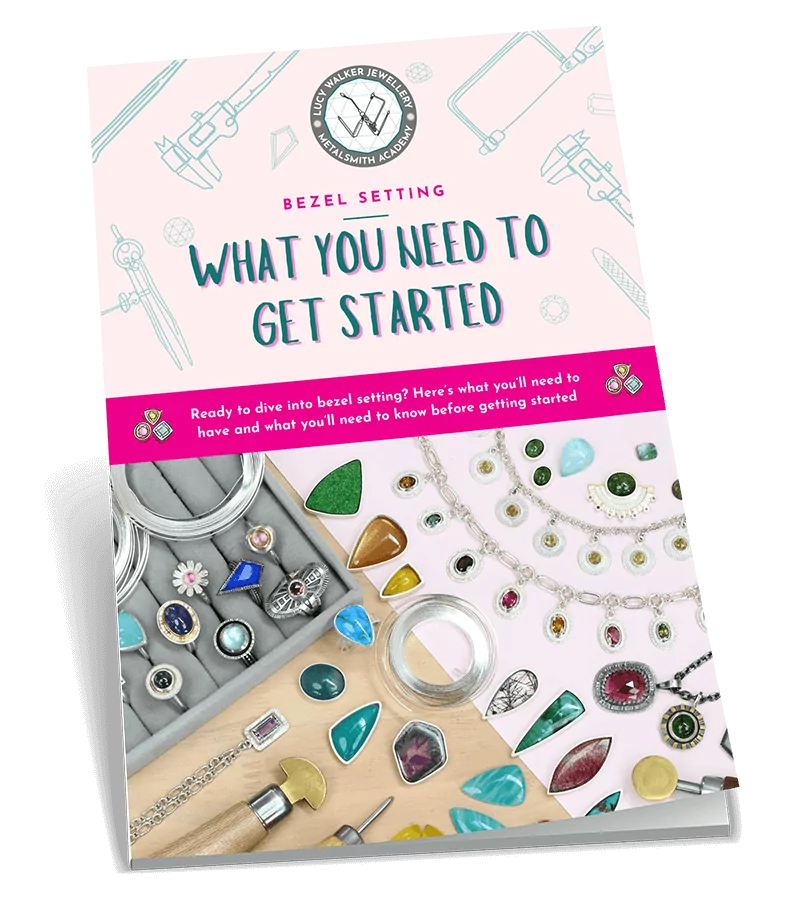
Download Our Beginners Guide to Bezel Setting now for FREE
Ready to learn all about bezel setting, so you can start putting your stash of gemstones to use? This guide is the perfect place to start.
Just enter your details below and we’ll send it directly to your inbox.
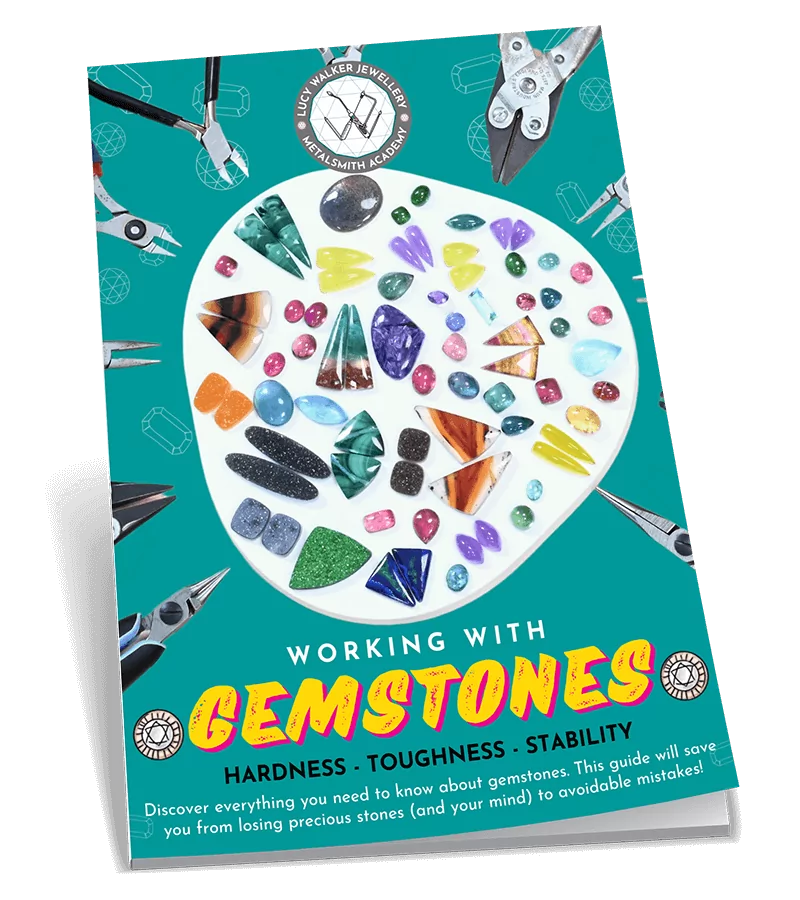
Download Our FREE Guide to Working With Gemstones now
Ready to officially become a Gemstone Guru and discover what you really need to know about choosing and using stones in your jewelry? This 31-page guide will help you select the right gemstones for your projects, and help you avoid buying gems that will cause you drama later on.
Just enter your details below and we’ll send it directly to your inbox.

Download Our “Gemmy Christmas” Saw Pierced Template Pack Now for FREE
Ready to deck the halls with your own handmade and irresistibly festive Christmas ornaments? These 8 ready-to-use saw piercing templates are inspired by festive snowflakes and the shapes of your favorite gems! Just print them, stick them, and get saw piercing.
Just enter your details below and we’ll send it directly to your inbox.
Download our FREE Jewelry Design eBook: Finding Inspiration From Anywhere
Ready to train your creative muscles to glean inspiration from (literally) anywhere, and design more creative jewelry? Learn our favorite method to find inspiration, elevate your designs, and create one-of-a-kind pieces that stand out from the crowd.
Just enter your details below and we’ll send it directly to your inbox.
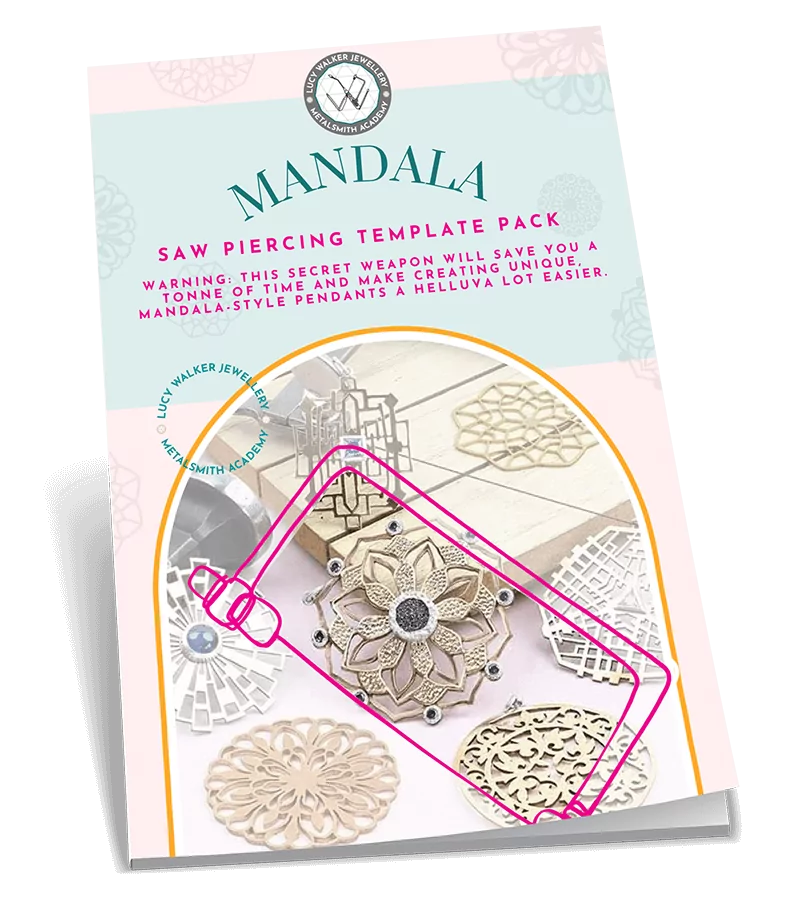
Swipe This Mandala Saw Piercing Template Pack Now for FREE
Warning: this secret weapon will save you a ton of time and make creating unique, mandala-style pendants a helluva lot easier. Skip the drawing and design phase, and simply download our designs, print them out, and pick up your saw frame to get creating!
Just enter your details below and we’ll send it directly to your inbox.
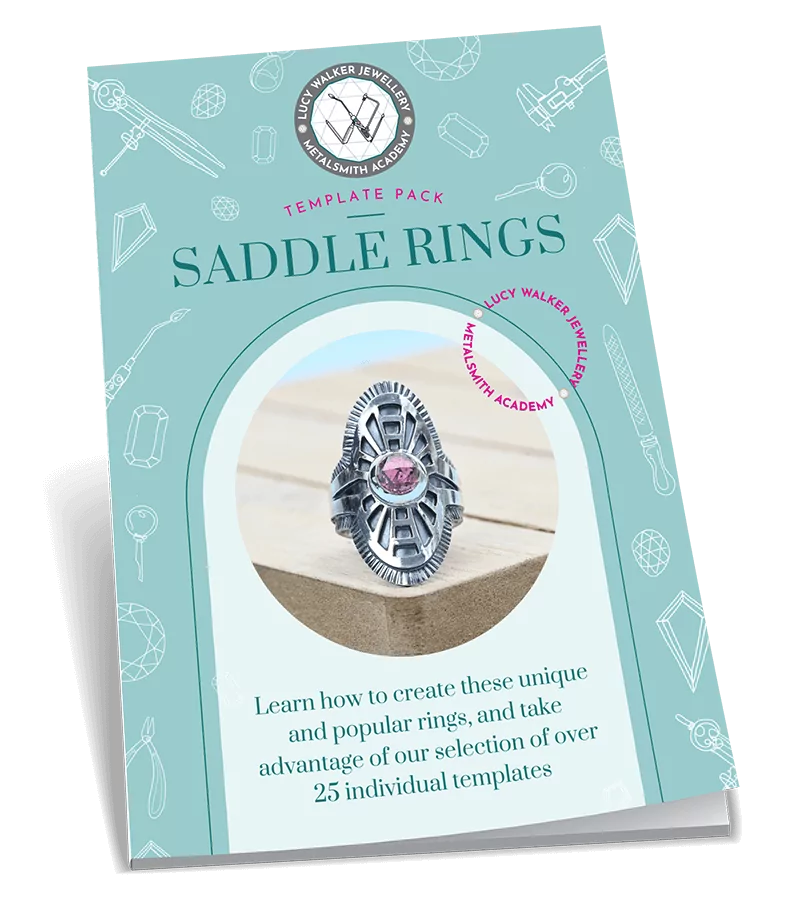
Download Our Pack of 27 Saddle Ring Templates Now for FREE
Ready to ditch the creative block, and get down to business creating your own beautiful, unique, and highly saleable saddle rings? These 27 design templates will get you creating stunning jewelry sooner! Plus, with 13 pages of step-by-step instructions on how to make your rings, you’ll be seriously set-up for success!
Just enter your details below and we’ll send it directly to your inbox.
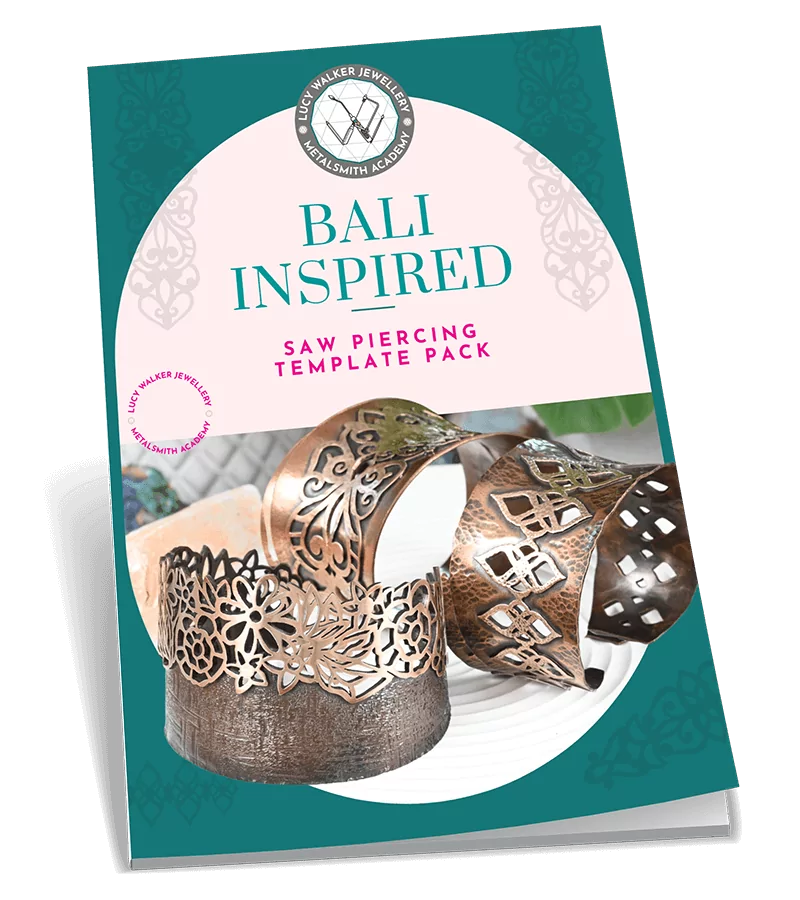
Download this Bali-Inspired Bangle Template Pack now for FREE
Swipe our printable Bali-inspired designs and add a touch of island paradise to your jewelry pieces! With 7 printable designs to choose from, you can skip the design phase, and simply print, trace, and get saw piercing.
Just enter your details below and we’ll send it directly to your inbox.

Download Our Simple, One-Stop Guide to Liver of Sulfur for FREE
Ready to learn how to give your metal jewelry a one-of-a-kind look with Liver of Sulfur? With so much competing information online about using Liver of Sulfur, this guide will strip things back and give you what you actually need to know. You’ll be ready to give this stinky substance a go in no time!
Just enter your details below and we’ll send it directly to your inbox.
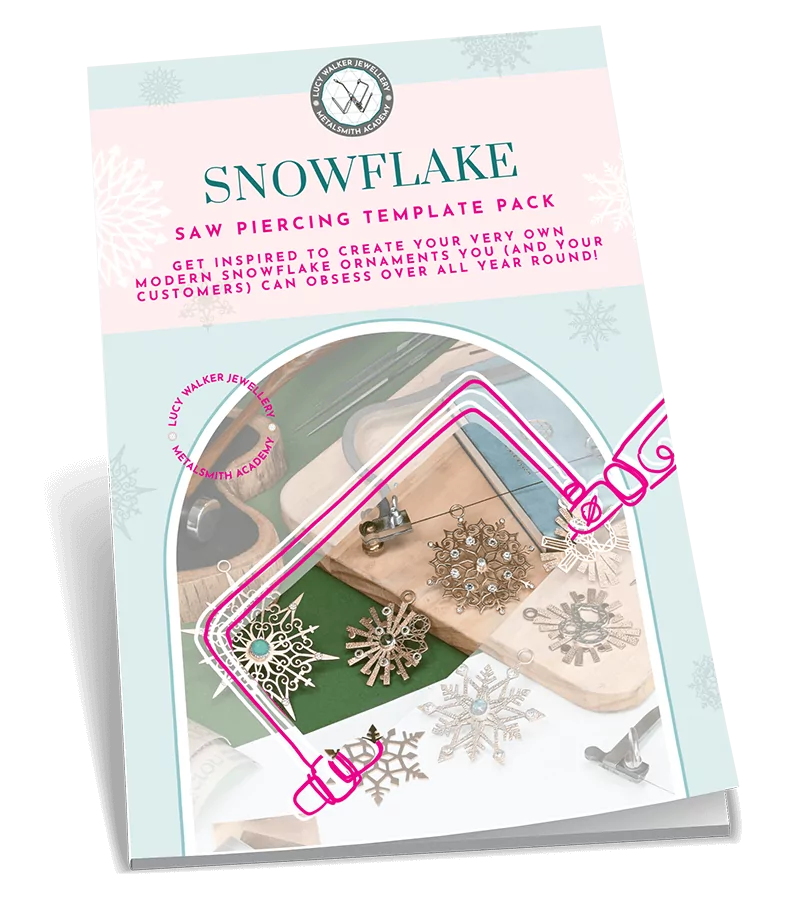
Download the Saw Pierced Snowflake Template Pack now for FREE
Get inspired to create your very own modern snowflake ornaments you (and your customers) can obsess over all year round! Avoid the creative block of designing your own, and instead steal these handy printable templates to make your saw piercing a dream.
Just enter your details below and we’ll send it directly to your inbox.

Sign up Now for Your Free Access to our Metalsmith Academy Membership Portal
Just pop your name and email below, and we’ll send through your free login details straight to your inbox.

Sign-up for Our Newsletter and Get Jewelry-Making Goodness Landing in Your Inbox Every Week
You’ll never be short of inspiration again with this newsletter in your life. Just enter your email below, and we’ll send you through all the non-annoying tips, sales, blog posts, and other jewelry-making malarkey you can dream of. Say hello to your new favorite weekly read!
Master the Art of Polishing Sand Cast Rings
Learn how to clean up and polish your rings to a pro-level finish - even with all that pesky porosity. This 35-minute step-by-step video shows you exactly how it’s done.
Enter your details below and we’ll send a link to watch directly to your inbox.
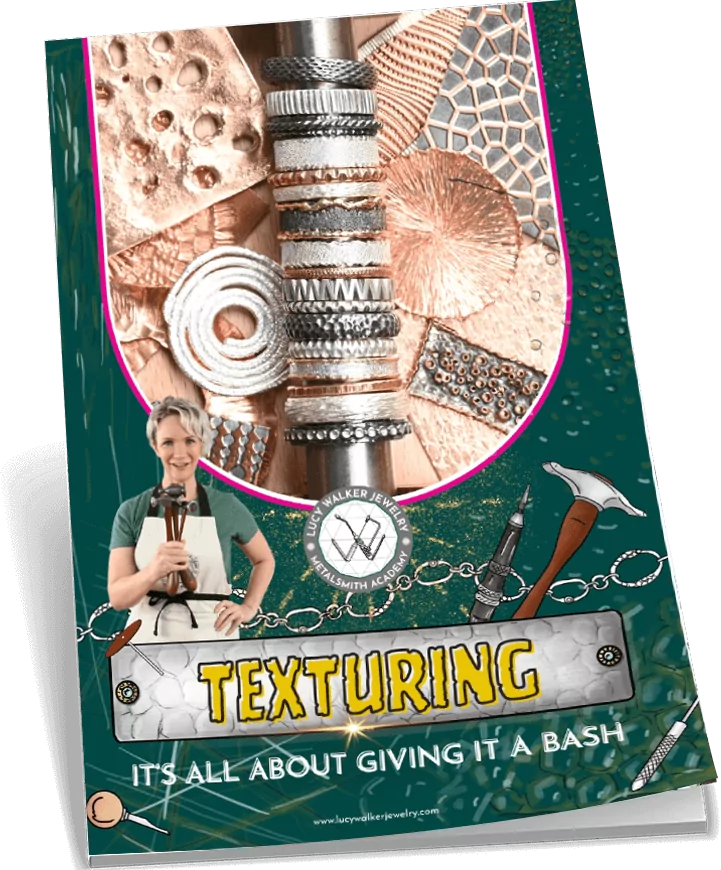
Download the FREE Jewelry Texturing Guide
Get inspired with 40+ texture ideas, techniques, and design inspirations! Enjoy pages of real samples, close-up photos and finished jewelry pieces to get your creative juices flowing.
Just enter your details below and we'll send a link directly to your inbox.